
BenQ TH671ST
4.4Editor score
Ultra Low Input Lag Gaming
1080p Native Resolution
3000 Lumens Output
Short Throw Design
This guide compares the top Benq projector for golf simulator models and alternatives to help you choose the best display for your indoor simulation setup.
Finding the right display for your indoor game is crucial for an immersive experience. A high-quality projector ensures clear visuals and accurate colors for every shot you take.
We evaluated ten top-rated projectors based on brightness, resolution, throw distance, and specialized features like golf modes to help you make an informed decision.
Each pick highlights key strengths and trade-offs so you can find the perfect match for your space. Please note that product availability and pricing may change over time.
4.4Editor score

3.5Editor score

5.0Editor score
Below is a detailed side-by-side comparison of all ten projectors reviewed in this guide to help you quickly identify the best fit for your needs.
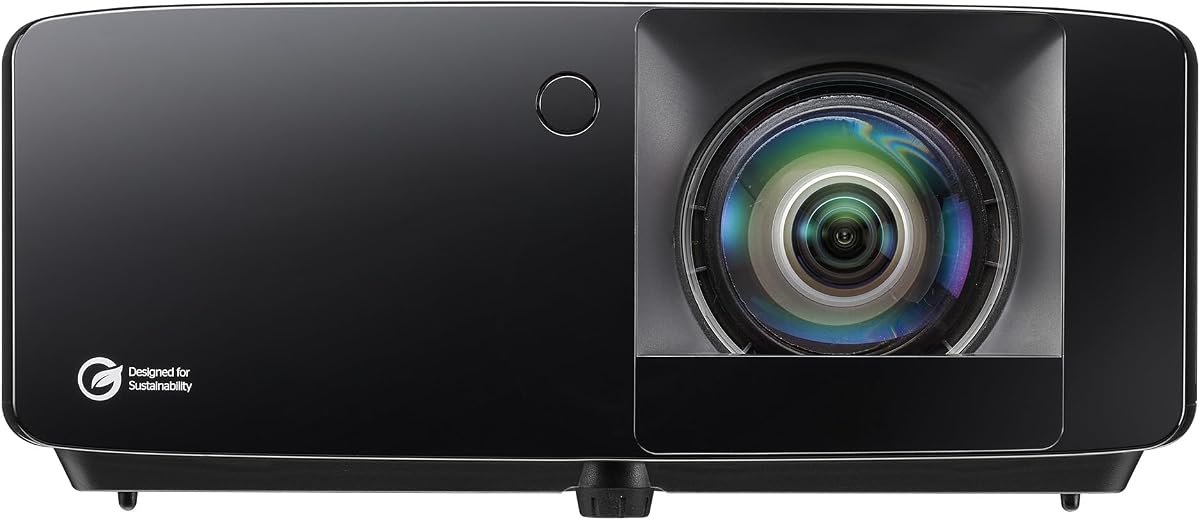
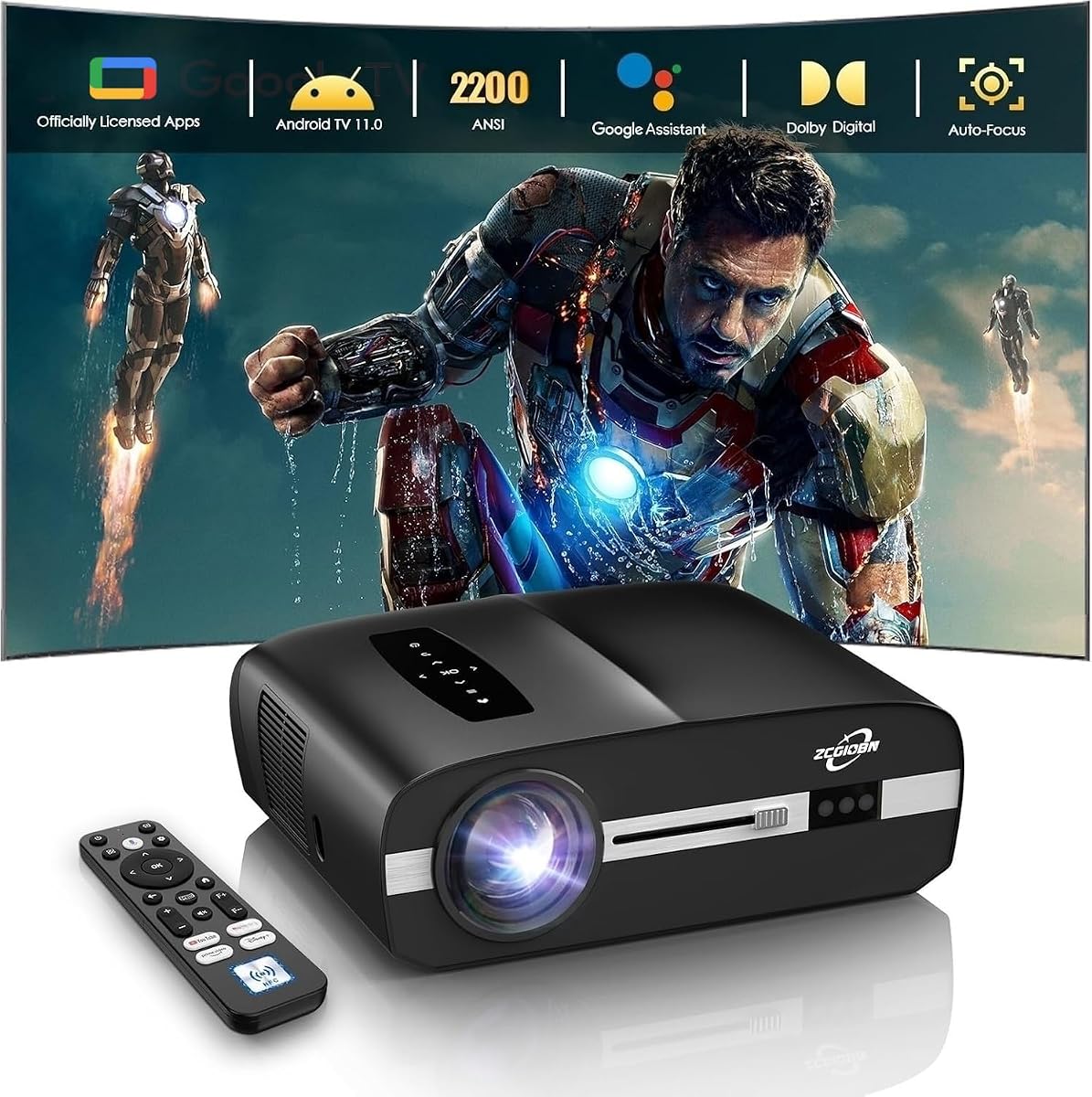


The BenQ AH700ST is a strong contender for indoor golf setups due to its bright 4000 ANSI lumens and dedicated golf mode for optimized visuals.
We may earn a commission when you buy through this link, at no additional cost to you.
Its Full HD resolution ensures clear ball tracking while the short throw ratio allows placement closer to the screen without casting shadows during swings.
While the customer rating is moderate, the technical specs suggest it is built for performance and reliability in high-demand simulation environments.
Consider this model if you prioritize brightness and specific golf features over a higher volume of user reviews or advanced color gamut coverage.
The dedicated golf picture mode enhances greens and course details for a more authentic simulation experience.
With a short throw ratio, you can project large images from a distance, keeping the projector out of the swing path.
We may earn a commission when you buy through this link, at no additional cost to you.
The BenQ TH671ST offers exceptional value for gamers and simulators who need low input lag and a bright image without spending a fortune.
We may earn a commission when you buy through this link, at no additional cost to you.
It features a short throw lens that projects 100 inches from just 5 feet away making it ideal for garages or basements with limited depth.
Its reputation for gaming performance means smooth motion handling which is vital when tracking fast moving golf balls or watching replays.
Buy this if you need a reliable 1080p solution that balances cost and performance while still delivering a crisp and responsive image.
Low input lag ensures your swing commands register instantly on screen for a more natural and responsive feel.
Recognized as Best Projector for Gaming this model brings proven reliability to your home simulation setup.
We may earn a commission when you buy through this link, at no additional cost to you.
The BenQ LK936ST represents the pinnacle of projector technology for golf simulation with its native 4K resolution and high brightness.
We may earn a commission when you buy through this link, at no additional cost to you.
It delivers incredibly sharp and vibrant images that reveal every texture on the course ensuring you never miss a detail in your game.
With a perfect five star rating this model is highly trusted by users who demand professional quality and long term reliability.
Invest in this unit if budget allows and you want the absolute best visual fidelity and brightness for a premium golf experience.
True 4K resolution ensures crisp lines and details essential for accurate distance and alignment tracking.
Over 5000 ANSI lumens allow for clear viewing even in rooms with significant ambient light interference.
We may earn a commission when you buy through this link, at no additional cost to you.
The Optoma GT3900UHD excels in tight spaces with its ultra short throw lens and true 4K resolution for incredibly detailed visuals.
We may earn a commission when you buy through this link, at no additional cost to you.
Its high brightness and HDR support create a vivid and immersive experience that brings virtual courses to life with realistic colors.
Designed for responsiveness it handles fast moving content well which is critical for maintaining accuracy during rapid swing sequences.
Choose this projector if you have limited room depth but still want a massive high definition screen for your simulator setup.
Project large images from minimal distance reducing shadows and keeping equipment out of the swing zone effectively.
Optimized for fast-paced gaming with low lag ensuring your simulation response matches real world timing accurately.
We may earn a commission when you buy through this link, at no additional cost to you.
This affordable 4K projector offers smart features and high brightness making it a versatile choice for simulators and movie nights alike.
We may earn a commission when you buy through this link, at no additional cost to you.
With Google TV built in you can stream apps directly without extra devices while the auto setup features simplify installation significantly.
The sealed optical engine protects against dust which is beneficial in garage or basement environments where particles may be present.
Opt for this if you want smart capabilities and 4K support without a premium price tag even if you must mount it higher.
Built in Google TV allows direct streaming of content eliminating the need for external streaming sticks or boxes.
Automatic focus and keystone correction ensure a perfectly aligned image regardless of your placement angle.
We may earn a commission when you buy through this link, at no additional cost to you.
The BenQ TH575i stands out with its integrated Google TV experience and high brightness making it great for all round entertainment.
We may earn a commission when you buy through this link, at no additional cost to you.
It ensures smooth gameplay with low input lag which helps prevent motion blur during dynamic simulation sequences or sports viewing.
Its auto keystone feature simplifies setup so you can start using it quickly without manual adjustments or complex alignment procedures.
Buy this if you value convenience and streaming capabilities over ultra high resolution and want a bright picture for various content.
Comes with a licensed Google TV dongle for instant access to popular streaming services like Netflix and YouTube.
3800 lumens keep the image vivid in light rooms while low lag ensures responsive control feedback during play.
We may earn a commission when you buy through this link, at no additional cost to you.
This commercial grade projector brings professional quality with 5500 lumens and WUXGA resolution ensuring sharp images in any environment.
We may earn a commission when you buy through this link, at no additional cost to you.
Its short throw capability allows for flexible placement while maintaining a large image size for detailed virtual course mapping.
Built for reliability it uses a laser source that offers consistent performance over thousands of hours without lamp replacements.
Consider this if you need a robust high brightness solution for a professional facility rather than a standard home setup.
5500 ANSI lumens ensure visibility even in well lit environments where ambient light might otherwise wash out the picture.
Flexible lens shift and short throw ratio allow you to optimize placement without compromising image size or quality.
We may earn a commission when you buy through this link, at no additional cost to you.
The BenQ W4100i delivers rich and accurate colors thanks to its wide color gamut and HDR support for realistic visuals.
We may earn a commission when you buy through this link, at no additional cost to you.
It offers a cinematic experience with high detail and contrast which enhances the realism of virtual environments and textures.
Its lens shift and zoom options provide flexibility in placement so you can adjust the image without losing quality.
Select this model if color fidelity and HDR performance are top priorities and you have space for a standard projection throw.
100% DCI-P3 coverage ensures vibrant and true to life colors that enhance the viewing experience significantly.
Certified Android TV provides easy access to apps and streaming services right from the projector interface itself.
We may earn a commission when you buy through this link, at no additional cost to you.
This model includes a dedicated golf mode and high brightness making it uniquely suited for facilities requiring robust and realistic visuals.
We may earn a commission when you buy through this link, at no additional cost to you.
Its extreme brightness ensures clear images even in brightly lit environments which is useful for training centers or public spaces.
Instant power capabilities mean you can start sessions immediately without waiting for warm up periods or cool down times.
Opt for this if you need maximum brightness and specific golf tuning but can compromise on native resolution details.
Specialized golf mode optimizes greens and blues for enhanced realism during simulation play.
Quick startup and shutdown features save time and increase efficiency in busy environments.
We may earn a commission when you buy through this link, at no additional cost to you.
Protecting your investment is vital and this cover provides durable floor mounting protection for your projector in active swing zones.
We may earn a commission when you buy through this link, at no additional cost to you.
Its HDPE construction shields against mishits while air vents prevent overheating ensuring your device runs safely during use.
This accessory simplifies setup by eliminating the need for complex ceiling mounts which can be costly and time consuming to install.
Buy this if you plan to place your projector on the floor and want peace of mind regarding accidental impacts or debris.
Polycarbonate panel guards the projector face from balls or clubs to ensure uninterrupted operation.
No assembly required just place the cover over your unit and route cables through the side vents easily.
We may earn a commission when you buy through this link, at no additional cost to you.
Selecting the right projector involves balancing brightness resolution and throw distance to match your room dimensions and lighting conditions.
Brightness measured in ANSI lumens determines how clear your image will be especially if you have ambient light. Aim for at least 3000 lumens for golf simulators to ensure visibility during the day.
Higher brightness ensures vibrant colors and sharp details even in well lit rooms.
Short throw or ultra short throw projectors are essential for indoor golf to minimize shadows and save space. Check the throw ratio to ensure it fits your room depth.
A lower throw ratio allows larger images from a shorter distance keeping the projector safe from the swing path.
Resolution impacts how sharp and detailed your virtual course looks. Full HD 1080p is standard but 4K offers superior crispness for fine textures and ball tracking.
Choose at least 1080p for clear visuals but consider 4K if your budget allows for enhanced realism.
Low input lag is critical for real time simulation feedback. High input lag can cause delays between your swing and the on screen reaction which affects accuracy.
Look for models marketed for gaming or those specifying low millisecond input lag numbers.
Ensure the projector has enough HDMI ports for your computer and gaming devices. USB ports can be useful for firmware updates or connecting peripherals.
Versatile connectivity options simplify setup and allow for easy device swapping when needed.
Laser or LED light sources offer longer lifespans than traditional bulbs. This reduces maintenance costs and ensures consistent brightness over time.
Prioritize laser models for durability and lower long term upkeep costs.
Accurate colors are essential for realistic turf and grass rendering. Look for high coverage of color spaces like Rec 709 or DCI-P3 for vibrant and true to life visuals.
Better color accuracy enhances immersion and helps you better judge distances and terrain details.
Projectors range from affordable budget models to high end premium units. Set a realistic budget based on your needs and room size to avoid overspending.
Balance cost with features like brightness and throw distance to get the best value for your setup.
Place the projector securely on a stable surface or mount it carefully according to the manual to avoid vibrations or accidental drops during play.
Keep vents clean and dust free to prevent overheating and ensure long term performance by using compressed air regularly.
Use the correct picture modes and calibrate brightness and contrast settings to match your room lighting for the best visual experience.
Some models like the AH700ST offer dedicated golf picture modes designed to optimize colors and clarity for simulation use. Check product specs to confirm availability.
Yes short throw projectors reduce the distance needed to project a large image minimizing shadows and keeping the device out of the swing zone.
Aim for at least 3000 ANSI lumens to ensure a bright and clear image even with some ambient light present in your room.
You can use any projector but one with low input lag and high brightness is ideal to prevent motion blur and maintain immersion.
Use protective covers like the GoSports enclosure or mount the projector high and far enough away from the impact area to avoid damage.
Full HD 1080p is sufficient for most users but 4K provides sharper detail for textures and ball tracking if your budget allows.
Laser light sources often last over 20000 hours which reduces the need for frequent replacements and ensures consistent brightness over years.
Yes most models include multiple HDMI ports allowing direct connection to PCs or laptops for easy video output to the large screen.
We highlighted top models like the BenQ AH700ST and LK936ST for their balance of brightness resolution and specialized features for simulation.
Prioritize throw distance and input lag to ensure your setup performs smoothly and fits comfortably in your available room space.
Check current prices and availability for each model as deals may vary so you can get the best value for your investment today.