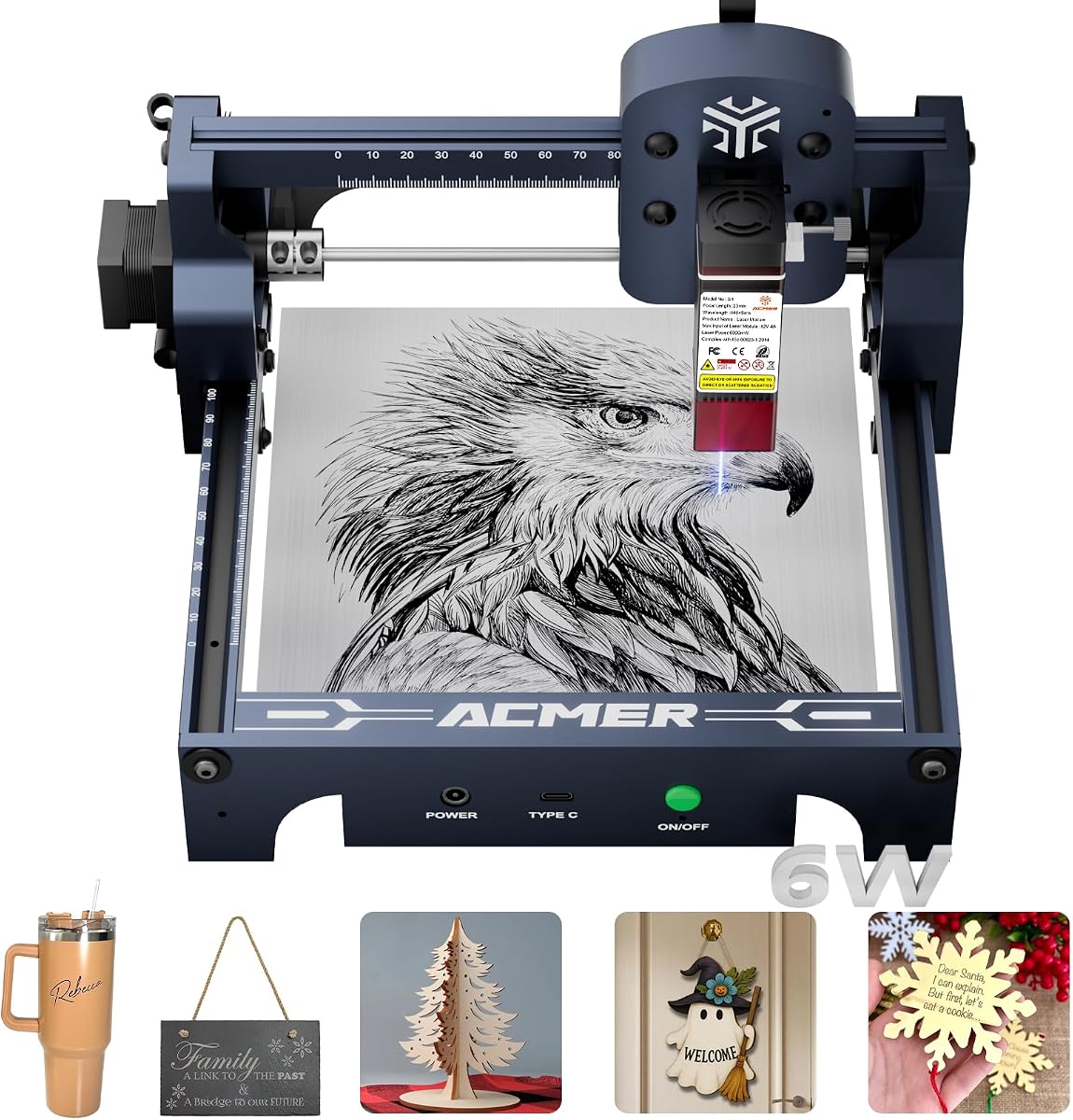
ACMER S1 Laser Engraver Machine
4.3Editor score
6000mW diode laser power
Compact 130x130mm workspace
99 percent preassembled design
Compatible with LightBurn software
Compare the top Acmer laser engraver models including S1 S2 and P series for precision cutting and engraving across wood acrylic leather and other materials.
Choosing the right laser engraver can transform your creative projects into professional-quality results. ACMER offers a range of diode laser machines designed for hobbyists and small businesses looking for precision and versatility without breaking the bank.
This guide compares ten top-rated ACMER laser engravers based on power output, workspace size, precision, safety features, and software compatibility. We analyze real specifications and user feedback to help you find the ideal machine for your specific crafting needs.
Each pick highlights key strengths and potential trade-offs so you can make an informed decision. Prices and availability may change over time so please check the latest listings before purchasing to ensure you get the best deal available today.
4.3Editor score

4.4Editor score

5.0Editor score
The following table provides a side-by-side comparison of all ten ACMER laser engraver models reviewed in this guide. Use this overview to quickly identify key specifications like laser power workspace size and unique features that matter most to your projects.



The ACMER S2 stands out as the top choice for most users seeking a balance of power and ease of use. With a 4.4 rating and strong feedback from makers it delivers reliable performance across a wide range of materials including wood leather and acrylic.
We may earn a commission when you buy through this link, at no additional cost to you.
This model features a true 12W laser module supported by 72W total system power enabling it to cut up to 15mm paulownia wood. The 0.01mm positioning accuracy ensures fine details are reproduced cleanly making it ideal for intricate designs and personalized gifts.
While it lacks an included air assist pump the anti-UV protective shield and motion detection safety features provide peace of mind. The 300x300mm workspace gives ample room for signs and layered art though larger projects may need accessories.
If you want a machine that grows with your skills the S2 is highly recommended. It supports ACMER Studio LightBurn and LaserGRBL offering flexibility for both novices and experienced engravers starting a small business today.
The 0.08×0.08mm laser spot combined with high positioning accuracy ensures even tiny text and complex patterns come out sharp and consistent every time.
Start with flat engraving and add optional rotary modules or risers later to handle cylindrical objects like tumblers or taller workpieces as your needs evolve.
We may earn a commission when you buy through this link, at no additional cost to you.
This version of the S2 emphasizes ease of entry with its beginner-friendly software suite. The built-in AI tools allow you to convert text prompts or photos into ready-to-engrave designs reducing the learning curve for new users significantly.
We may earn a commission when you buy through this link, at no additional cost to you.
With the same 12W laser power as other S2 models it maintains high performance for cutting and engraving. The 32-bit chip enables engraving speeds up to 10000mm/min so you spend less time waiting and more time creating custom projects quickly.
The 300x300mm workspace supports large-scale projects without constant repositioning of materials. However users needing cylindrical engraving will need to purchase optional rotary modules which adds to the overall cost of a full setup.
Ideal for hobbyists who want modern AI assistance alongside proven hardware this S2 variant offers a smooth start. It pairs well with industry-standard software ensuring you are not locked into one ecosystem as you grow.
Create designs directly from text or images without needing advanced graphic skills thanks to integrated AI tools within the free Acmerstudio software platform.
The advanced chip and optimized firmware deliver rapid engraving speeds ideal for batch production or quick custom gifts without sacrificing detail quality.
We may earn a commission when you buy through this link, at no additional cost to you.
The S1 is perfect for those starting their engraving journey with limited space or budget. Its 4.3 rating reflects satisfaction with its compact design and ease of use making it a popular choice for home hobbyists and classroom use.
We may earn a commission when you buy through this link, at no additional cost to you.
With 6000mW diode laser power it handles engraving on wood leather and acrylic effectively. The 99 percent preassembled design means you can start creating in minutes rather than hours. The 2kg weight makes it easy to move or store when not in use.
While the 130x130mm workspace limits project size it is sufficient for small crafts and personalized items. The machine supports multiple file types and software options ensuring you can integrate it into your existing digital workflow without issues.
If portability and simplicity are your top priorities the S1 delivers exceptional value. It includes safety certification and customer support giving you confidence to experiment with new designs and materials safely right from the start.
With minimal assembly required you can unpack and install the laser head in about one minute allowing you to begin projects almost immediately after unboxing.
The lightweight aluminum alloy construction ensures durability while keeping the unit easy to carry for makers who move between workspaces or travel often.
We may earn a commission when you buy through this link, at no additional cost to you.
This S2 variant has earned a perfect 5.0 rating largely due to its robust safety design. It is an excellent choice for classrooms family workshops or any environment where safety precautions are a top priority for all users.
We may earn a commission when you buy through this link, at no additional cost to you.
The 7W laser output is sufficient for engraving and cutting materials like wood and acrylic with multiple passes. The anti-UV shield and motion detection that pauses operation if abnormal movement is detected provide layers of protection against accidental exposure.
While it offers less raw cutting power than the 12W versions it still handles over 100 materials effectively. The spacious 300x300mm workspace allows for larger signs and decorative items without needing constant adjustments during the process.
For educators and parents seeking a safe entry point into laser engraving this model stands out. It balances performance with peace of mind ensuring that creative projects remain enjoyable and secure for everyone involved in the process.
Built-in motion protection automatically pauses the machine when unusual movement is detected reducing risk of laser exposure during unexpected interruptions.
With included safety goggles and protective shielding the unit meets high safety standards making it suitable for educational settings and group projects.
We may earn a commission when you buy through this link, at no additional cost to you.
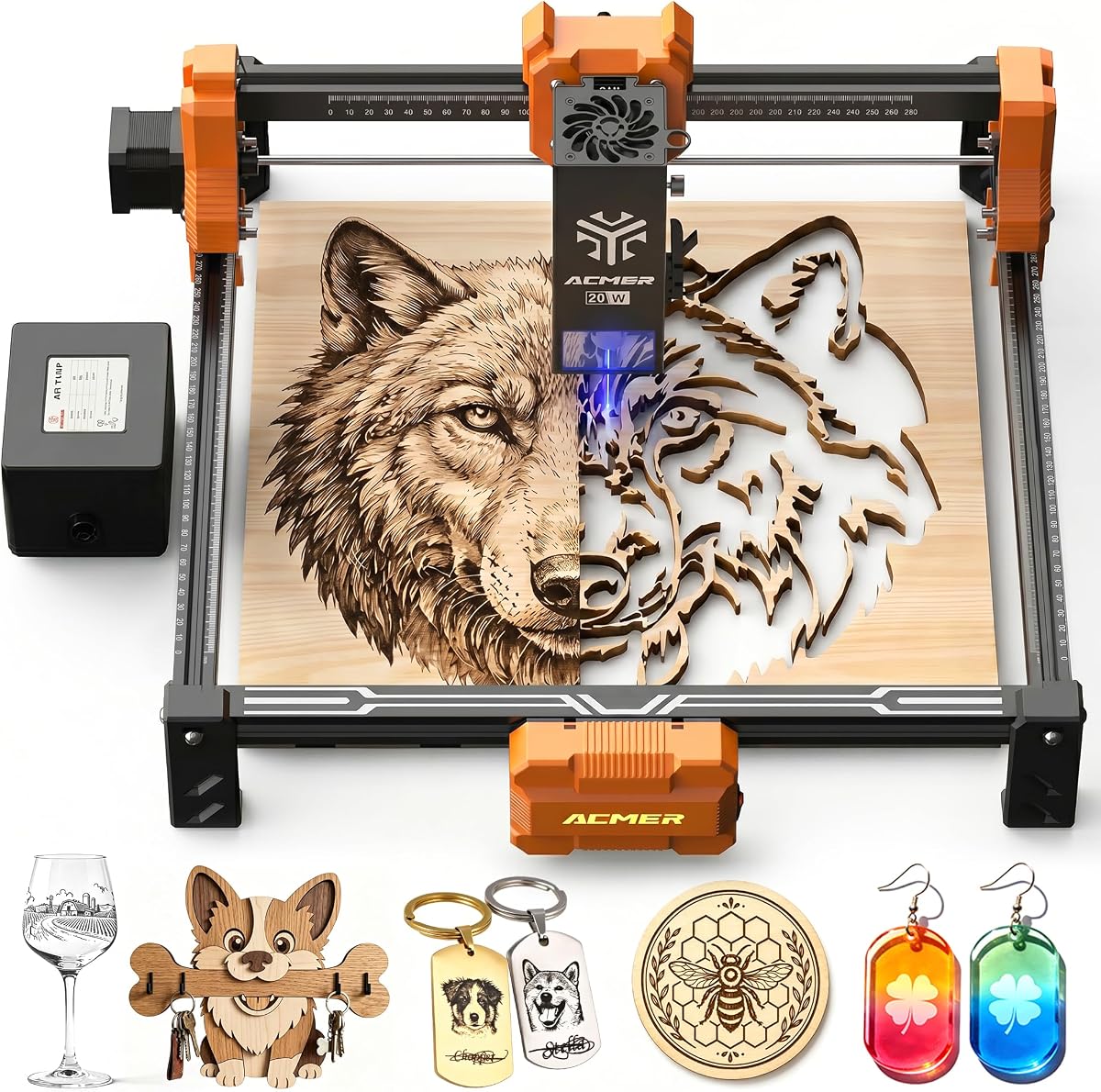
The P1 S Pro 20W delivers professional grade performance with a 20W diode laser module. It maintains a 5.0 rating due to its ability to handle demanding cutting tasks while keeping fine detail work sharp and clean for any user.
We may earn a commission when you buy through this link, at no additional cost to you.
Its built-in 25L/min air assist pump helps minimize burn marks and smoke residue on materials like wood and acrylic. This feature alone makes a noticeable difference in edge quality reducing post-processing time and improving final project results significantly.
With acceleration up to 500mm/s and speeds reaching 10000mm/min this machine handles batch production efficiently. The 0.08×0.1mm laser spot ensures smooth gradients and clean lines essential for photo engraving and complex logos.
If you need more cutting power than the S1 or S2 without going fully premium this model is ideal. The long lens lifespan and wide software compatibility ensure it remains a reliable tool for both hobbyists and small business owners.
The integrated air assist continuously clears debris during cutting reducing burn marks and keeping the lens protected for longer consistent performance over time.
Fast acceleration and top speeds allow you to complete larger runs quickly without sacrificing the fine detail precision that high quality projects require.
We may earn a commission when you buy through this link, at no additional cost to you.
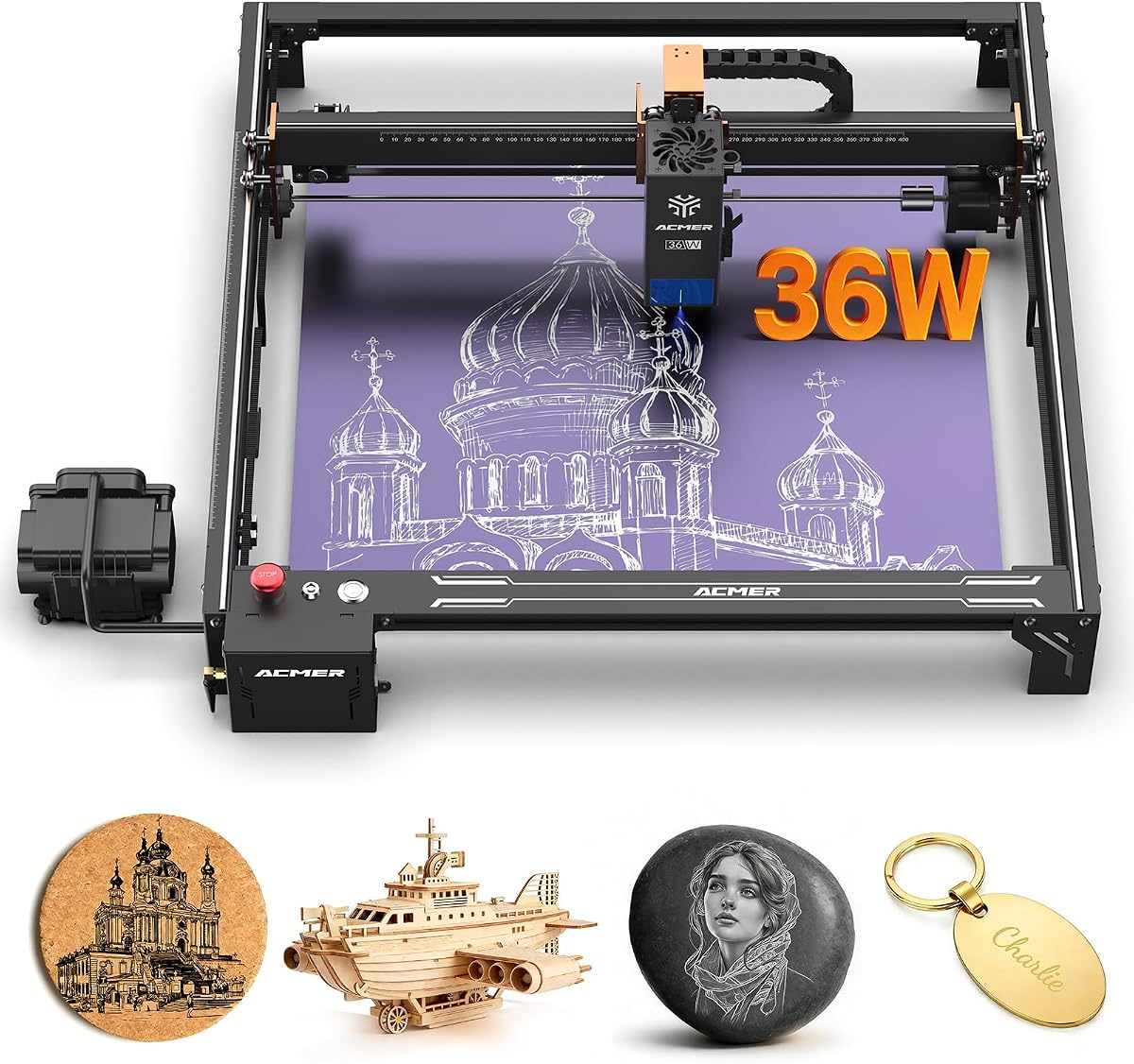
The S2 Pro targets serious makers needing industrial stability and speed. Its 36W output and dual linear rail system reduce vibration at high speeds ensuring consistent results even during long production runs or complex graphics engraving tasks.
We may earn a commission when you buy through this link, at no additional cost to you.
With a massive 400x400mm workspace it accommodates larger signs and creative projects that other models cannot handle. The built-in 30L/min air pump keeps cutting edges clean and reduces smoke interference improving overall engraving clarity significantly.
Features like tilt protection and an emergency stop button add critical safety layers for professional environments. WiFi connectivity allows wireless control and offline engraving via TF card offering flexibility when PC access is limited or unavailable.
While priced higher the performance gains in speed and stability justify the cost for small businesses. It supports standard engraving software ensuring seamless integration into existing workflows without requiring major system adjustments or training.
Dual linear rails minimize vibration even at top engraving speeds ensuring precise alignment for fine text and complex patterns during long runs.
The 400mm workspace lets you tackle larger signs and multi-piece projects without constantly stopping to reposition material and interrupt your workflow.
We may earn a commission when you buy through this link, at no additional cost to you.
This S2 20W model combines power and convenience with a built-in air assist. It earned a 5.0 rating by delivering professional results on wood acrylic and leather while simplifying setup for users wanting clean cuts without extra accessories.
We may earn a commission when you buy through this link, at no additional cost to you.
The 20W laser module supports deeper cuts and detailed engraving. The 25L/min air pump reduces burn marks ensuring crisp edges on materials that typically suffer from smoke damage during standard engraving passes without extra setup.
With a 300x285mm workspace it handles large projects well while maintaining a manageable footprint. The limit switches ensure the laser head stops accurately preventing collisions and frame damage during operation extending the machine longevity significantly.
If you want 20W performance with air assist already included this model is a smart choice. It avoids the hassle of buying and installing separate pumps making it ready for professional quality engraving straight out of the box today.
The integrated 25L air pump reduces smoke and burn marks during cutting keeping edges clean and protecting the lens from debris buildup.
Built-in limit switches define the working area accurately preventing accidental head over-travel that could damage the machine or your project.
We may earn a commission when you buy through this link, at no additional cost to you.
The P3 is the premium flagship offering switchable dual laser outputs and maximum safety. Its 5.0 rating reflects its ability to cut through demanding materials quickly while maintaining strict safety standards suitable for enclosed home workshops.
We may earn a commission when you buy through this link, at no additional cost to you.
Switching between 24W and 48W lets you balance speed and detail without changing hardware. The closed box design reduces smoke and sound by 90 percent creating a cleaner and quieter environment for consistent engraving performance daily use.
Features like automatic fire detection and a visual camera enhance usability and safety. The camera allows visual positioning without manual calibration saving time on complex layouts and ensuring precise placement of designs onto materials quickly.
If you need the highest power and safety features available this P3 is the ultimate choice. It is built for serious users who value speed precision and peace of mind in every single engraving project they undertake today.
Toggle between 24W and 48W laser output to match your task needs without swapping modules keeping your workflow efficient and flexible always.
The built-in camera helps align designs quickly on your material reducing manual calibration steps and saving time during complex project setups.
We may earn a commission when you buy through this link, at no additional cost to you.
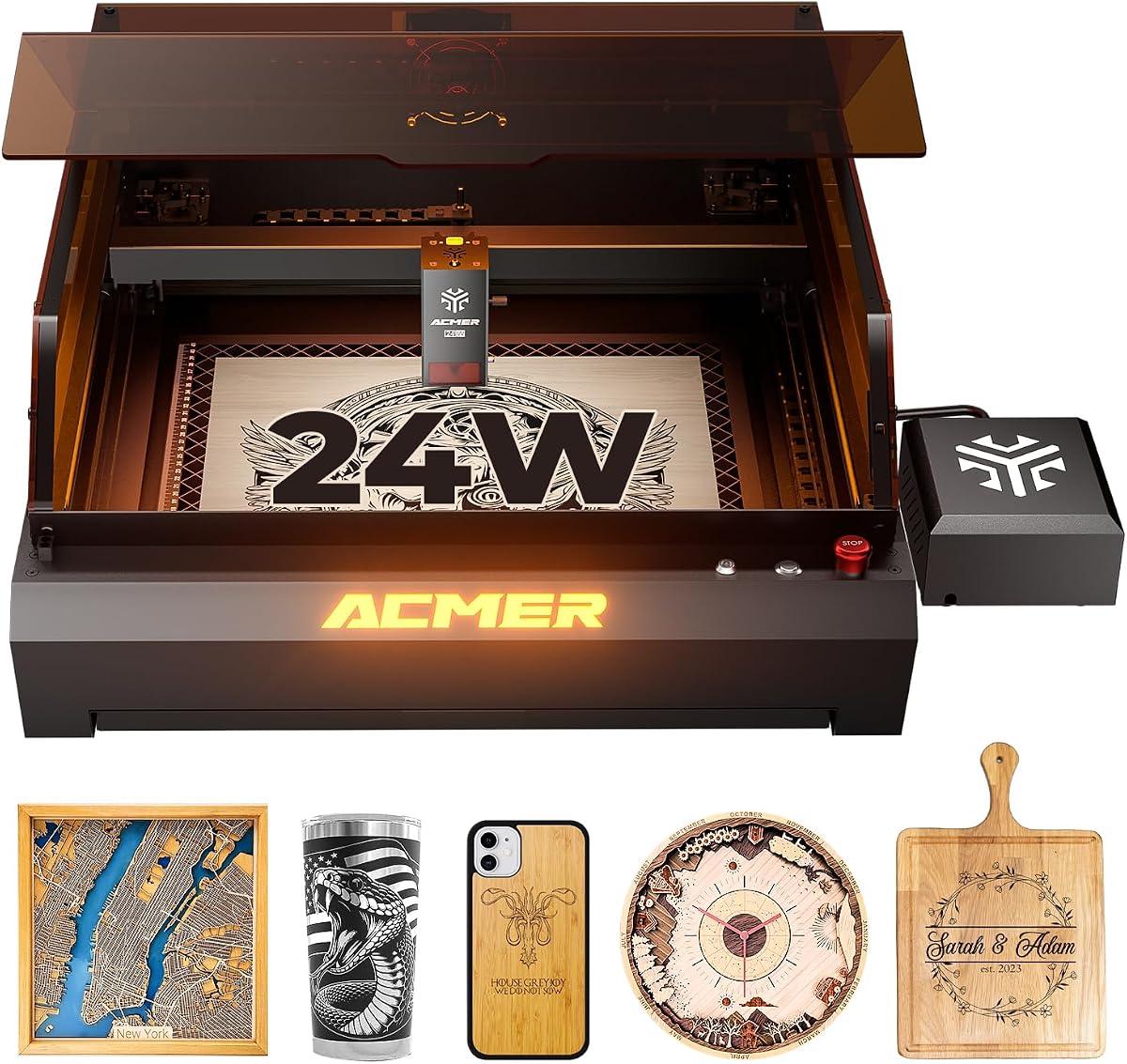
This P3 variant emphasizes integrated safety and ease of use with its closed box housing. It received a 5.0 rating for its ability to block smoke and noise while maintaining industrial-grade performance through CoreXY structure for high speed motion.
We may earn a commission when you buy through this link, at no additional cost to you.
The 24W output is versatile for both engraving and cutting tasks. With a 400x400mm engraving range you can handle large projects without frequent repositioning of materials. The camera module allows visual placement ensuring accuracy without manual adjustment steps.
Aviation grade aluminum and industrial guides increase stability by 20 percent over standard frames. This build quality ensures smooth motion at high speeds reducing blurring and frame loss during detailed engraving or long continuous production runs.
Ideal for makers wanting a quiet clean workspace this P3 delivers reliability. The closed design makes it safer for shared spaces while the large working area and camera streamline workflows for professional quality output without extra cost.
The integrated housing reduces smoke pollution by 90 percent and blocks noise creating a clean safe environment for indoor engraving projects.
Aviation grade aluminum combined with industrial guides ensures smooth high-speed motion without vibration or blur on complex detailed engravings.
We may earn a commission when you buy through this link, at no additional cost to you.
The P1 S Pro 6W offers a large workspace and modern connectivity with WiFi control. It maintains a 5.0 rating by providing a safe and spacious platform for beginners and small business owners who prioritize flexibility and safety certification.
We may earn a commission when you buy through this link, at no additional cost to you.
With dual-beam laser technology it achieves 0.06mm spot precision. The 380x370mm area allows large-scale designs. WiFi connectivity lets you control the engraver via mobile apps making it easy to manage tasks remotely without tethering to a computer.
Safety certification and included laser glasses ensure safe operation. The rotary option supports cylindrical items like mugs. This model balances power with connectivity making it a versatile tool for varied crafting and business project types easily.
If you want a large work area with wireless control this machine is ideal. It is perfect for those who value convenience and safety and want to explore engraving without high complexity in setup or operation for daily use.
WiFi and mobile app support let you send designs and start jobs without needing a direct cable connection to your computer constantly.
The 380x370mm area gives ample room for large designs and multiple items in one run reducing interruptions and increasing productivity.
We may earn a commission when you buy through this link, at no additional cost to you.
Choosing the right ACMER laser engraver requires balancing power workspace size safety features and budget. This guide breaks down the key factors to help you make an informed decision.
Laser power measured in milliwatts or watts determines how deeply and quickly the machine can cut materials. Higher power like 20W or 48W allows thicker cuts and faster engraving speeds ideal for production work. Lower power such as 6W or 7W is sufficient for light engraving and thin materials but may require multiple passes for thicker items.
Consider your primary materials when selecting power. If you work mostly with paper or thin wood a lower wattage unit saves cost. For frequent acrylic or leather cutting higher power reduces time and wear on the lens.
The working area defines the maximum size of material you can engrave in one pass. Models range from compact 130mm x 130mm to large 400mm x 400mm. A larger workspace is essential for signs layered art or batch production. A smaller footprint saves table space and suits hobbyists with limited room.
Measure your available surface and typical project sizes before buying. If you plan to grow into larger signs choose a machine with expandable options or a larger bed from the start to avoid replacing it later.
Finer engraving quality depends on the laser spot size and positioning accuracy. ACMER models often feature 0.08mm spots and 0.01mm accuracy enabling detailed text and photos. A smaller spot creates cleaner edges and sharper gradients especially for logos or intricate patterns.
For professional results check the advertised spot size and repeatability. Even if power is high a larger spot may blur fine lines. Prioritize specs that match your detail requirements for best outcomes.
Safety is critical when using laser engravers at home or school. Look for anti-UV protective shields motion detection auto-pause emergency stops and Class 1 enclosure options. These features reduce risk of accidental exposure and ensure safer operation around children or pets.
Always wear the provided safety goggles and keep the work area clear. Enclosed units are safest for beginners or shared spaces. Verify that the machine meets international safety standards like IEC 60825 for protection.
Compatibility with popular software like LightBurn LaserGRBL or ACMER Studio affects workflow ease. ACMER machines typically support Windows macOS and Linux. Built-in AI tools can simplify design creation for beginners while open-source support gives flexibility for advanced users.
Ensure your preferred software is supported to avoid relearning curves. Check if the machine requires specific drivers or firmware updates for smooth operation on your operating system.
An air assist pump blows air across the cut area to clear smoke and debris. This reduces burn marks and keeps the lens clean for consistent results. Some models include this built-in while others require separate purchases adding to cost and setup.
If you frequently cut acrylic or wood consider a unit with integrated air assist. It improves edge quality and reduces maintenance. Without it you may need to clean the lens more often and accept slightly rougher cuts.
Modern engravers offer multiple connection options such as USB WiFi or TF card. WiFi allows wireless control via apps which is convenient for mobile workflow. USB remains reliable for direct PC control and file transfer without needing internet.
Choose connectivity based on your workspace needs. If you plan to engrave without a PC nearby TF card or WiFi is valuable. For stable production USB offers fewer connection issues and faster data transfer.
Many ACMER models allow upgrades like rotary modules for cylindrical objects risers for taller work or enclosures for safety. Check what accessories are available and their cost before buying. Expandable designs let you start simple and add features as skills grow.
Plan for future needs when selecting a base unit. If you intend to engrave tumblers or bottles ensure a rotary module exists for your model. This flexibility protects your investment over time as project demands change.
Start by setting up the engraver on a stable non-flammable surface in a well-ventilated area. Connect power and launch the compatible software on your computer. Adjust settings like power speed and frequency based on material type using provided presets or test runs.
Secure your material firmly using the honeycomb plate or fixtures to prevent shifting. Use the autofocus tool or manual focus to position the lens correctly for the desired depth. Send your design to the machine and keep hands clear during operation.
Clean the lens and exhaust filter regularly with a soft cloth to maintain performance. Store the machine in a dry place and cover it when not in use. Replace the laser module after its rated hours to avoid dimming or inconsistent results over time.
Most ACMER diode models cannot cut solid metal but can mark coated or anodized metals. Use a coating spray for better contrast on stainless steel. For cutting metal use a fiber laser instead of a standard diode engraver.
Yes most ACMER models come with protective laser goggles designed for the specific wavelength. Ensure you wear them whenever the laser is active. Do not rely solely on the machine shield for eye protection during setup or maintenance tasks.
A 20W model cuts deeper and faster than a 12W unit especially on thicker materials like wood or acrylic. It also reduces pass counts for clean edges. If you need production speed go for 20W. For light crafts 12W is sufficient.
Use a soft microfiber cloth with a small amount of lens cleaning solution. Wipe gently in a circular motion without pressing hard. Never use regular wipes or alcohol directly on the lens. Regular cleaning prevents smoke buildup and maintains power.
Most ACMER machines are compatible with LightBurn and LaserGRBL software. Ensure your model firmware supports the connection. LightBurn offers advanced features like image tracing and batch layouts. Check documentation for specific driver requirements on your OS.
Yes optional rotary modules are available for many ACMER models. These allow engraving on cylindrical objects like mugs and bottles. Check the specific product page for compatibility and purchase separately. It expands your project range significantly without buying a new unit.
Laser modules typically last up to 8000 hours depending on usage. Higher power units may wear faster if run at max continuously. Monitor output quality over time. If engraving fades or spots enlarge replace the module to maintain quality.
Yes ACMER provides customer support for warranty and technical issues. You can contact them via Amazon or their official channels. Keep your purchase proof and check documentation. They assist with assembly software and hardware questions for smooth operation.
This guide highlights ten top ACMER engravers ranging from compact entry models to heavy-duty professional machines. The S2 stands out for power and size while the S1 offers a budget-friendly start. The P3 leads for safety and advanced features.
Prioritize laser power and workspace based on your most common projects. Safety features and software compatibility should also influence your decision. Choose a model that grows with your skills rather than limiting what you can create in your workshop.
Prices and availability change so check current listings before purchasing. Ensure you get the latest firmware and accessories for best results. With the right machine you can turn ideas into high-quality personalized items quickly and safely today.