
HP OmniBook 5 16 inch Next Gen AI PC
4.5Editor score
2K OLED Touchscreen Display
Snapdragon X Plus Processor
Up to 34 Hours Battery Life
Laptops with OLED displays offer unmatched visual fidelity with deep blacks and vibrant colors that transform content creation and media consumption experiences.
We evaluated ten leading models based on display quality, processing power, portability, and real-world battery performance to identify the most compelling options available today.
Each selection highlights unique strengths for specific workflows, though prices and availability fluctuate frequently, so verify current listings before making your final purchasing decision.
4.5Editor score

4.0Editor score
4.5Editor score
As an Amazon Associate we earn from qualifying purchases.
The following comparison table provides a side-by-side overview of key specifications for all ten selected laptops, helping you quickly identify which model aligns best with your specific performance and portability requirements.



The Lenovo IdeaPad Pro 5-2025 stands out as a versatile powerhouse for professionals who demand high visual fidelity and computational power. With a rating of 4.0 stars, it balances performance and portability effectively for creative workflows.
We may earn a commission when you buy through this link, at no additional cost to you.
Its standout feature is the 16-inch 2.8K OLED panel offering 120Hz refresh and VRR support, making it ideal for detailed design work and video editing. The AMD Ryzen AI 7 350 processor combined with NVIDIA GeForce RTX 5050 graphics ensures smooth multitasking and accelerated creative tasks.
While the device offers robust build quality and extensive connectivity options like USB4 and HDMI 2.1, users should note that the weight is slightly higher than typical ultrabooks. Battery life remains respectable but may decrease under heavy graphical loads.
This laptop is best suited for creatives and power users who prioritize screen quality and performance over ultra-light portability. It delivers a premium experience for those working on demanding content creation projects daily.
The 2880×1800 OLED display provides exceptional color accuracy and contrast essential for photo and video editing workflows.
Integrated AI features from the Ryzen AI processor enhance productivity and streamline complex computing tasks efficiently.
We may earn a commission when you buy through this link, at no additional cost to you.
The Acer Swift Go 16in OLED Laptop impresses with its stunning 3.2K OLED visuals and robust AI performance capabilities. It has earned a solid 4.1 star rating for its ability to handle professional-grade photo and video editing tasks effectively.
We may earn a commission when you buy through this link, at no additional cost to you.
The display features VESA Certified DisplayHDR True Black 500 and 100% DCI-P3 color coverage, ensuring deep contrast and vivid colors. The Intel Core Ultra 5 processor with integrated AI acceleration optimizes workloads for creators while maintaining longer battery efficiency.
Despite its strong visual capabilities, the 8GB RAM configuration may constrain users managing multiple resource-intensive applications simultaneously. However, the Thunderbolt 4 support provides ultra-fast connectivity for external monitors and data transfer needs.
Ideal for creatives prioritizing screen quality and color accuracy, this laptop delivers a premium viewing experience. It balances professional performance with a sleek design that supports productivity in various environments.
The 3200×2000 OLED panel offers exceptional clarity and color depth ideal for high-resolution media consumption.
Built-in fingerprint reader and aluminum chassis ensure security and durability while maintaining a lightweight profile.
We may earn a commission when you buy through this link, at no additional cost to you.
The ASUS Vivobook S16 Laptop (2026) is engineered for smooth intelligent performance with strong AI capabilities. It offers a compelling package for users needing high memory and storage without sacrificing portability or battery endurance.
We may earn a commission when you buy through this link, at no additional cost to you.
Key strengths include the AMD Ryzen AI 7 445 processor with up to 50 TOPS NPU performance, enabling fast on-device AI tasks. The 32GB of RAM and 1TB SSD provide ample resources for complex workflows and multitasking environments.
While the WUXGA OLED display provides vivid contrast and deep blacks, it offers lower resolution than some competitors. However, the extended battery life and fast charging capabilities make it highly reliable for all-day use without constant access to power outlets.
This model is best for professionals who rely on AI tools and need reliable computing power on the go. Its minimalist design and robust performance features make it a strong contender for daily productivity.
Copilot+ PC features leverage NPU power for intelligent assistance in writing and organizing tasks.
Up to 21 hours of battery life allows for uninterrupted work sessions anywhere without frequent charging.
We may earn a commission when you buy through this link, at no additional cost to you.
The HP OmniBook 3 14 inch Next Gen AI PC offers exceptional battery longevity and efficient performance for on-the-go productivity. With a 4.1 star rating, it excels in providing essential computing capabilities without the need for frequent charging.
We may earn a commission when you buy through this link, at no additional cost to you.
The Snapdragon X X1 processor delivers AI capabilities and long-lasting power, supported by 16GB RAM for smooth multitasking. The 2K OLED display ensures crisp visuals suitable for daily productivity tasks and media consumption.
While the 256GB storage is sufficient for many users, heavier file storage needs might require external solutions. Additionally, the Snapdragon architecture ensures efficiency but may have different app compatibility compared to traditional x86 processors.
This laptop is ideal for students and professionals prioritizing battery life and portability. It balances performance with endurance, making it suitable for extended work sessions away from power sources.
The Snapdragon platform enables up to 41 hours of use ensuring all-day connectivity without charging interruptions.
Otter.ai integration helps automate note taking and meeting summaries for enhanced organizational efficiency.
We may earn a commission when you buy through this link, at no additional cost to you.
The ASUS Vivobook S16 Intel Laptop combines high-end processing power with robust memory capacity for demanding workflows. Rated at 4.0 stars, it is designed to handle complex tasks efficiently with a focus on performance and reliability.
We may earn a commission when you buy through this link, at no additional cost to you.
Equipped with the Intel Core Ultra 9 386H processor and 32GB RAM, this model excels in multitasking environments. The WUXGA OLED display provides deep contrast and vivid detail ensuring immersive viewing experiences for work and entertainment.
Although the display resolution is not the highest available, the overall performance and durability make it a strong choice for power users. The MIL-STD-810H rating ensures it can withstand daily wear and tear better than typical consumer laptops.
This device is best for professionals needing significant memory and CPU power in a portable format. It balances modern AI features with rugged build quality for versatile usage scenarios.
The Core Ultra 9 processor delivers efficient and fast computing for demanding applications.
Meeting MIL-STD-810H standards ensures reliability and longevity even in challenging environments.
We may earn a commission when you buy through this link, at no additional cost to you.
The HP OmniBook 5 16 inch Next Gen AI PC delivers exceptional value with its OLED touchscreen and long battery life. Its 4.5 star rating reflects strong satisfaction for users seeking productivity and visual quality without premium pricing.
We may earn a commission when you buy through this link, at no additional cost to you.
The Snapdragon X Plus processor ensures seamless multitasking and AI tools enhance productivity while optimizing battery use. The 2K OLED Touchscreen offers rich colors and crisp visuals for everyday tasks.
While the Adreno GPU may not match discrete graphics for gaming, it is sufficient for everyday graphics applications. The combination of affordable pricing and extensive battery life makes it highly competitive in the mid-range market.
Ideal for students and home office workers, this laptop balances performance and endurance effectively. It offers a modern computing experience with AI capabilities that support daily workflows efficiently.
Copilot+ features streamline daily tasks and enhance connectivity for efficient workflows.
Up to 34 hours of use ensures reliable connectivity throughout the day without constant charging.
We may earn a commission when you buy through this link, at no additional cost to you.
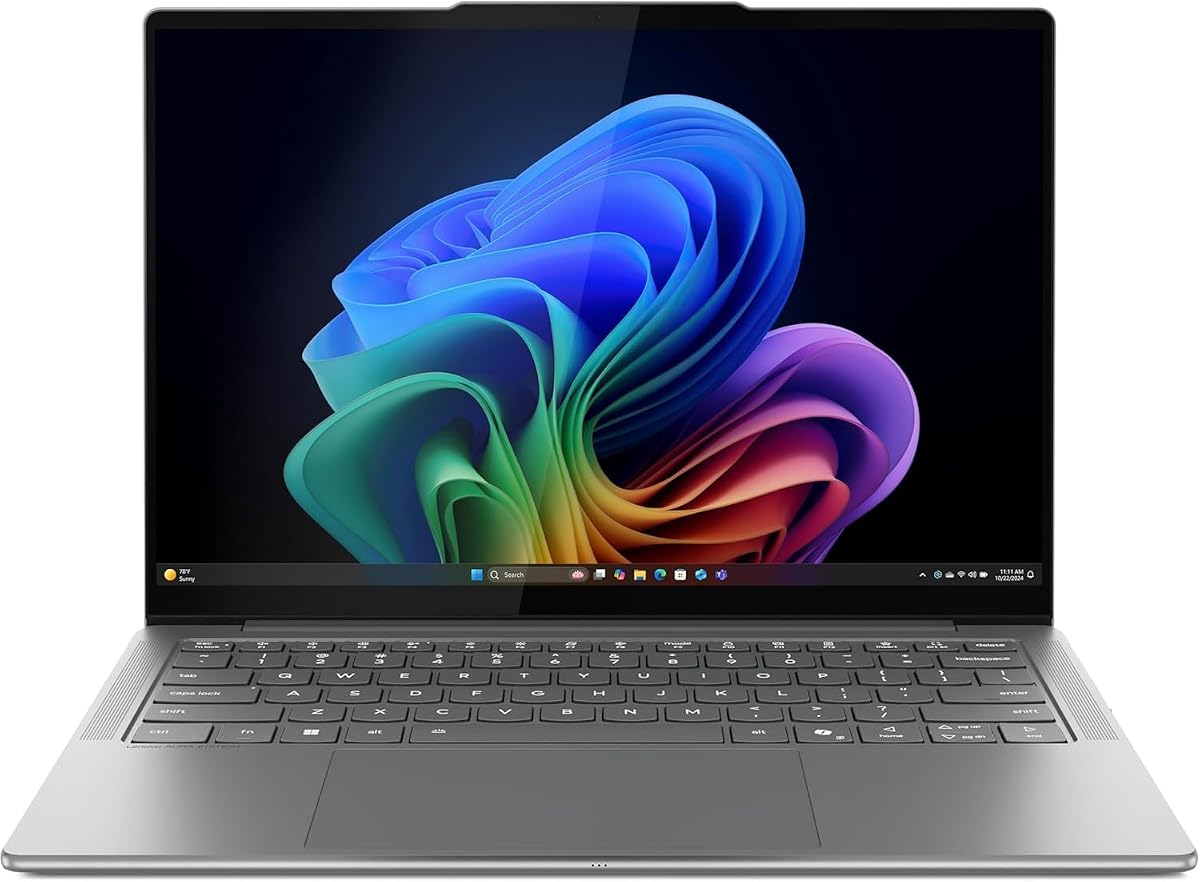
The Lenovo Slim 7i with Intel Core is designed for creators who prioritize portability without compromising on visual quality. With a 4.4 star rating, it stands out for its slim profile and impressive battery life.
We may earn a commission when you buy through this link, at no additional cost to you.
The OLED touchscreen features DisplayHDR True Black 500 and 600 nits peak brightness ensuring true-to-life color clarity. The Intel Core Ultra 7 processor delivers responsive performance while keeping the device cool and quiet.
Though the chassis is lightweight and durable, users may find storage customization limited. However, the 17-hour battery life and quad speaker audio provide a robust multimedia and work experience on the go.
This laptop is best for traveling creatives needing high screen quality and low weight. It offers a refined design with professional-grade features suitable for on-the-move production.
DisplayHDR certification and high brightness ensure vibrant visuals even in bright environments.
AI-enhanced webcam and quad speakers improve video calls and audio immersion.
We may earn a commission when you buy through this link, at no additional cost to you.
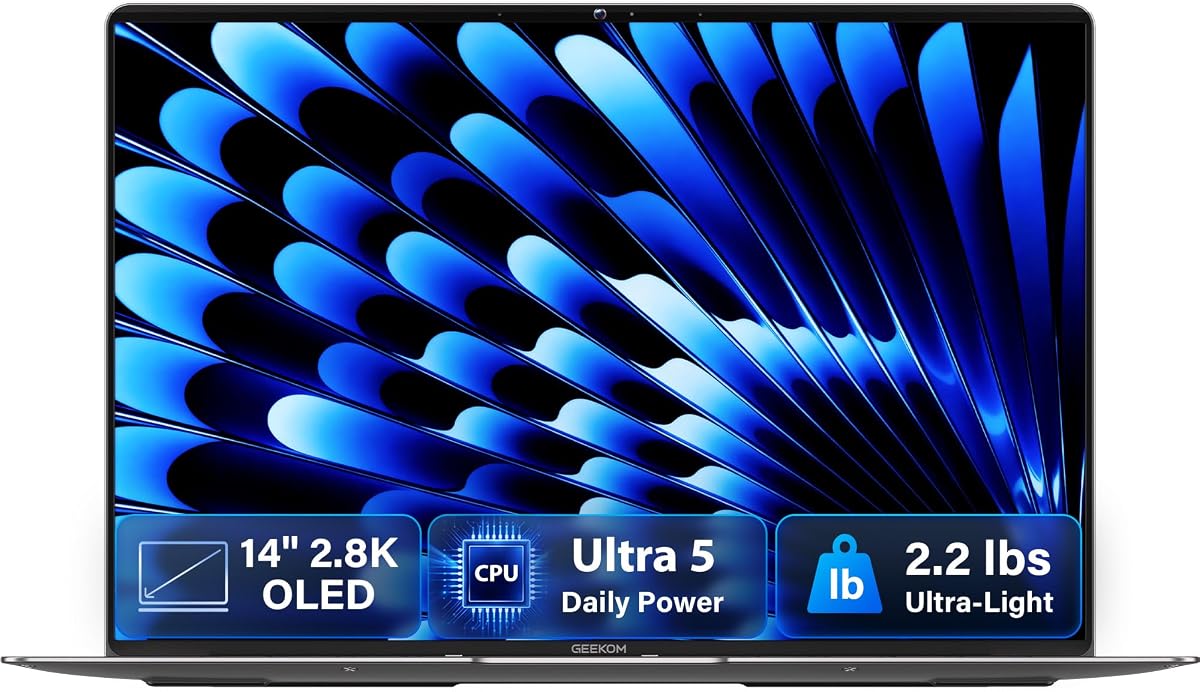
The GEEKOM GeekBook X14 Pro Laptop delivers exceptional clarity in a featherlight all-metal chassis. Rated 4.3 stars, it appeals to users seeking ultra-portability without sacrificing high-resolution visual fidelity.
We may earn a commission when you buy through this link, at no additional cost to you.
The 14-inch 2.8K OLED display offers 120Hz refresh rate and vibrant colors ideal for creators and movie lovers. The Intel Core Ultra 5 processor ensures modern capabilities like ray tracing and AV1 encoding for efficient workflows.
While the compact design is highly portable, the limited port selection may necessitate dongles for some connections. However, the included docking station mitigates this issue for desktop replacement scenarios.
This model is best for mobile professionals requiring high screen quality and low weight. Its thermal system keeps performance steady while maintaining a quiet and cool operation.
120Hz refresh and self-lit pixels deliver fluid animations and true blacks.
Magnesium alloy chassis and thin profile make it easy to carry daily.
We may earn a commission when you buy through this link, at no additional cost to you.
The Lenovo Legion 5a Gaming Laptop provides immersive visuals and powerful performance for gaming and content creation. With a perfect 5.0 star rating, it excels in delivering smooth gameplay and realistic lighting effects.
We may earn a commission when you buy through this link, at no additional cost to you.
The 15.3-inch WQXGA OLED display features 165Hz refresh and DisplayHDR True Black 1000 ensuring deep blacks and smooth motion. The RTX 5060 GPU delivers AI-enhanced graphics and strong performance for rendering and gaming.
Though the device is heavier than typical ultrabooks, the added weight supports robust cooling and component longevity. Users should expect reduced battery life under heavy loads due to the high-performance design.
This laptop is ideal for gamers and creators prioritizing screen refresh rates and GPU power. It balances visual fidelity with robust connectivity for a superior entertainment experience.
165Hz refresh and G-SYNC eliminate tearing for smooth high-speed action.
RTX AI capabilities improve image quality and performance in supported games.
We may earn a commission when you buy through this link, at no additional cost to you.
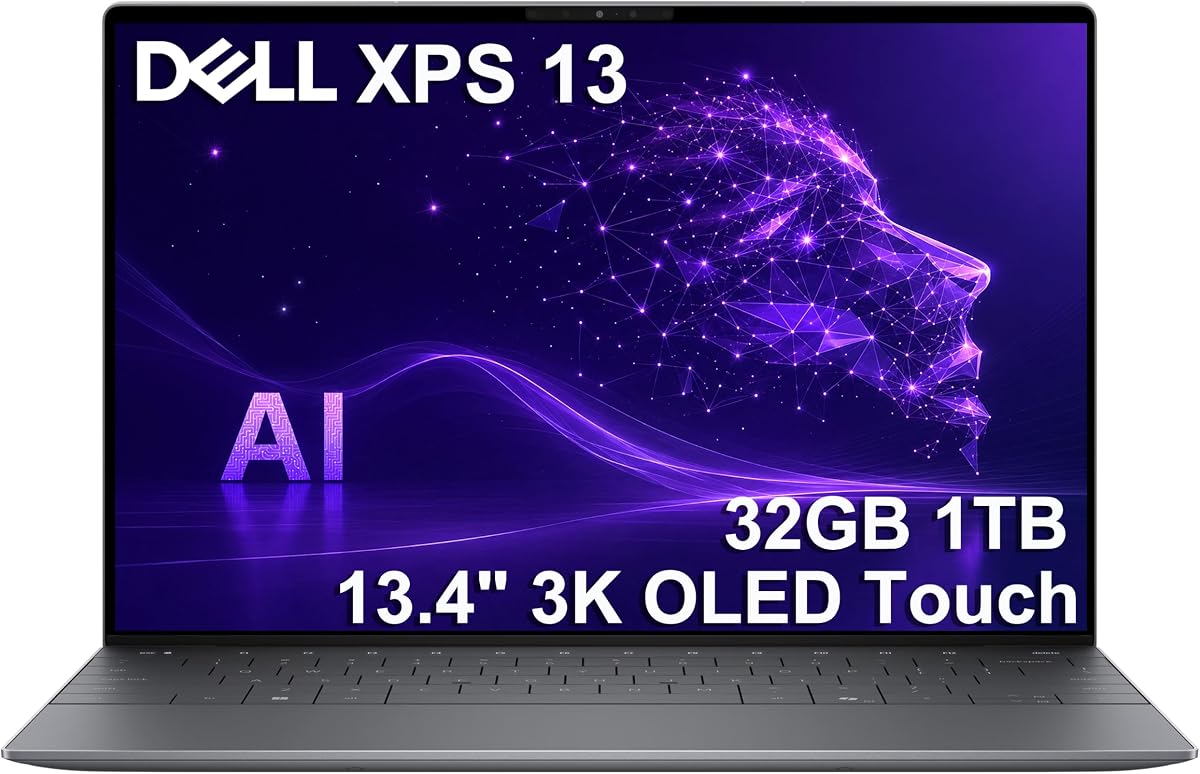
The Dell XPS 13 9345 Laptop sets a new standard for premium mobility with its Snapdragon X Elite processor and extended battery life. Rated 4.5 stars, it delivers desktop-class power in a thin form factor.
We may earn a commission when you buy through this link, at no additional cost to you.
Key strengths include the 3K OLED touchscreen offering crisp visuals and the 32GB RAM enabling smooth multitasking. The industry-leading battery life ensures professional-grade content creation is possible anywhere without needing a charger.
While the price is at the higher end and ports are limited to USB-C, the performance and durability justify the investment for professionals. It balances advanced AI features with elegant design.
This laptop is best for power users and executives requiring top-tier portability and battery endurance. It offers a refined experience with modern efficiency and premium build quality.
On-device AI accelerates tasks efficiently making content creation possible anywhere.
High RAM capacity and fast storage support complex workflows and large files.
We may earn a commission when you buy through this link, at no additional cost to you.
Selecting the right laptop with an OLED display involves evaluating several key factors to ensure the device meets your performance and usage needs.
Higher resolution panels such as 2.8K or 4K offer greater detail which is essential for creative work like photo editing or graphic design. Refresh rates of 120Hz or higher provide smoother motion for media consumption and gaming experiences.
Prioritize displays with high refresh rates if you watch lots of video or play games regularly.
Modern laptops include processors with dedicated NPUs that accelerate AI tasks improving productivity and battery life. Look for models labeled as Copilot+ PCs for advanced on-device AI integration.
Choose a processor with strong AI performance if you use AI apps or multitask heavily.
RAM determines how many applications you can run simultaneously without slowdowns. Aim for 16GB or more if you edit video or keep many browser tabs open. Storage speed and size affect how quickly files load and how much you can save locally.
Select 32GB RAM for professional workflows to ensure seamless multitasking.
OLED screens can drain battery faster but newer processors and optimized software have improved endurance significantly. Fast charging capabilities allow you to regain significant charge in less than an hour which is ideal for travelers.
Look for models offering at least 15 hours of real-world battery usage.
Lightweight designs under 3 pounds make it easier to carry devices between meetings or while traveling. Durability ratings like MIL-STD-810H indicate the laptop can withstand physical stress and harsher conditions.
Prioritize lightweight aluminum or magnesium chassis for daily commuting.
Ensure the laptop includes necessary ports like USB-C, HDMI, or USB-A to connect peripherals without adapters. Wi-Fi 7 support offers faster and more stable internet connections which is vital for remote work and streaming.
Check for Thunderbolt or USB4 ports if you need high-speed external displays.
Integrated graphics are sufficient for basic tasks but dedicated GPUs are necessary for gaming or 3D rendering. NVIDIA RTX series GPUs provide acceleration for creative applications and ray tracing for realistic visuals.
Select models with discrete graphics if you perform intensive graphical work.
Some OLED laptops use ARM processors which may have different app compatibility than x86 chips. Verify that essential software runs natively or via emulation before purchasing to avoid workflow disruptions.
Ensure your essential apps are optimized for the chosen processor architecture.
Adjust brightness settings automatically based on ambient light to prevent unnecessary strain on the OLED panel and extend battery life. This ensures your screen remains visible without overworking the pixels unnecessarily.
Use dark mode in supported applications to reduce the number of active pixels lighting up. This not only saves power but also enhances the viewing experience by making the true blacks of the OLED stand out more.
Clean the screen regularly with a soft microfiber cloth to avoid scratches from dust or debris. Avoid using harsh chemical cleaners that may damage the protective coating on the display surface.
OLED displays consume more power when showing bright white images because each pixel emits its own light. However, when displaying dark content or using dark mode they use significantly less power than traditional LCDs which always light up a backlight.
Modern OLED panels are designed to last for many years of typical use without significant degradation. Manufacturers use advanced pixel shifting and software protection to prevent burn-in ensuring longevity during normal daily operations.
While burn-in was an issue with early OLED panels modern laptops include protections like pixel shifting and automatic brightness adjustments. These features significantly reduce the risk of permanent image retention during standard usage patterns.
OLED displays can struggle in direct sunlight because they typically have lower peak brightness than some mini-LED screens. Look for models with at least 500 nits brightness to ensure visibility outdoors without excessive glare.
During gaming OLED panels use significant power if bright scenes are common. Games with high contrast or dark environments will drain battery slower. Using power saving modes can help extend usage during extended gaming sessions.
Most OLED laptops support multiple external displays via USB-C or HDMI ports. Check the specific model specs for maximum resolution and count support before planning a multi-monitor workstation setup.
The Lenovo IdeaPad Pro 5-2025 HP OmniBook 5 16 inch and Dell XPS 13 9345 lead the pack offering distinct advantages for creatives budget-conscious buyers and premium users respectively.
Prioritize display quality and battery endurance if you work away from power sources regularly but consider port and weight if you commute frequently.
Verify current stock and pricing before purchasing since availability fluctuates often especially for newer OLED models.