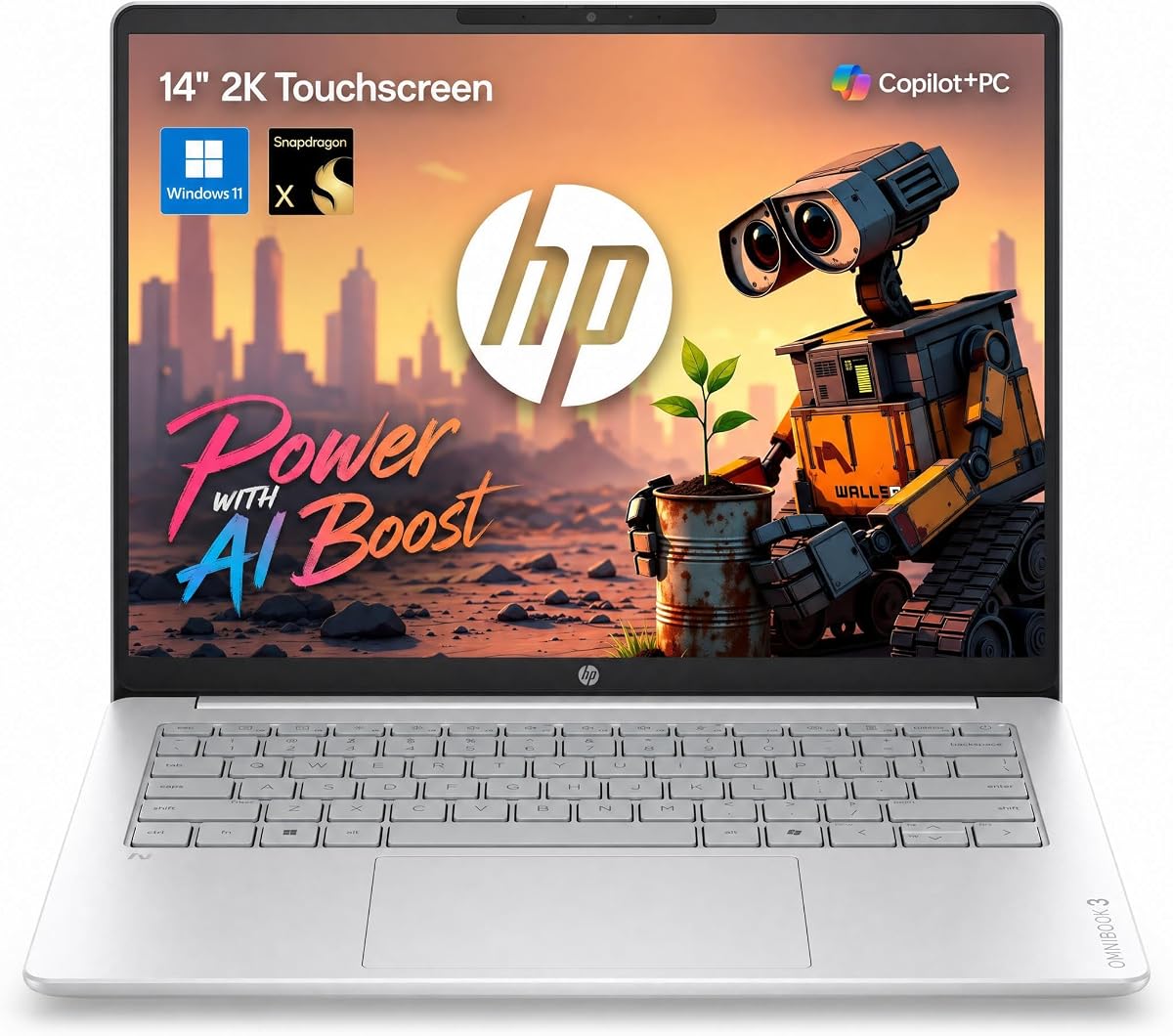
HP OmniBook 3 14 2K Touch Laptop
4.6Editor score
Up to 30 hours local video playback
Fast charge from 0 to 50 in 45 mins
14-inch 2K IPS touchscreen display
This guide compares the top 10 laptops with longest battery life to help you find the perfect device for work, travel, and all-day productivity.
Finding a laptop with long battery life is essential for modern professionals and students who need to stay productive throughout the day. Whether you are traveling or working remotely, a reliable power source ensures you never miss a critical moment during your busy schedule.
We evaluated ten top models based on real-world usage, hardware efficiency, and user feedback to determine which devices truly deliver on their promises. Each pick was selected for its ability to maintain performance while providing extended runtime without needing a constant power connection.
Each product section highlights key strengths, specifications, and ideal use cases so you can make an informed decision. Please note that prices and availability can change frequently, so verify the current details before finalizing your purchase.
4.6Editor score

4.8Editor score

4.1Editor score
The following comparison table summarizes key specifications for all ten models to help you quickly identify the best fit for your specific needs.


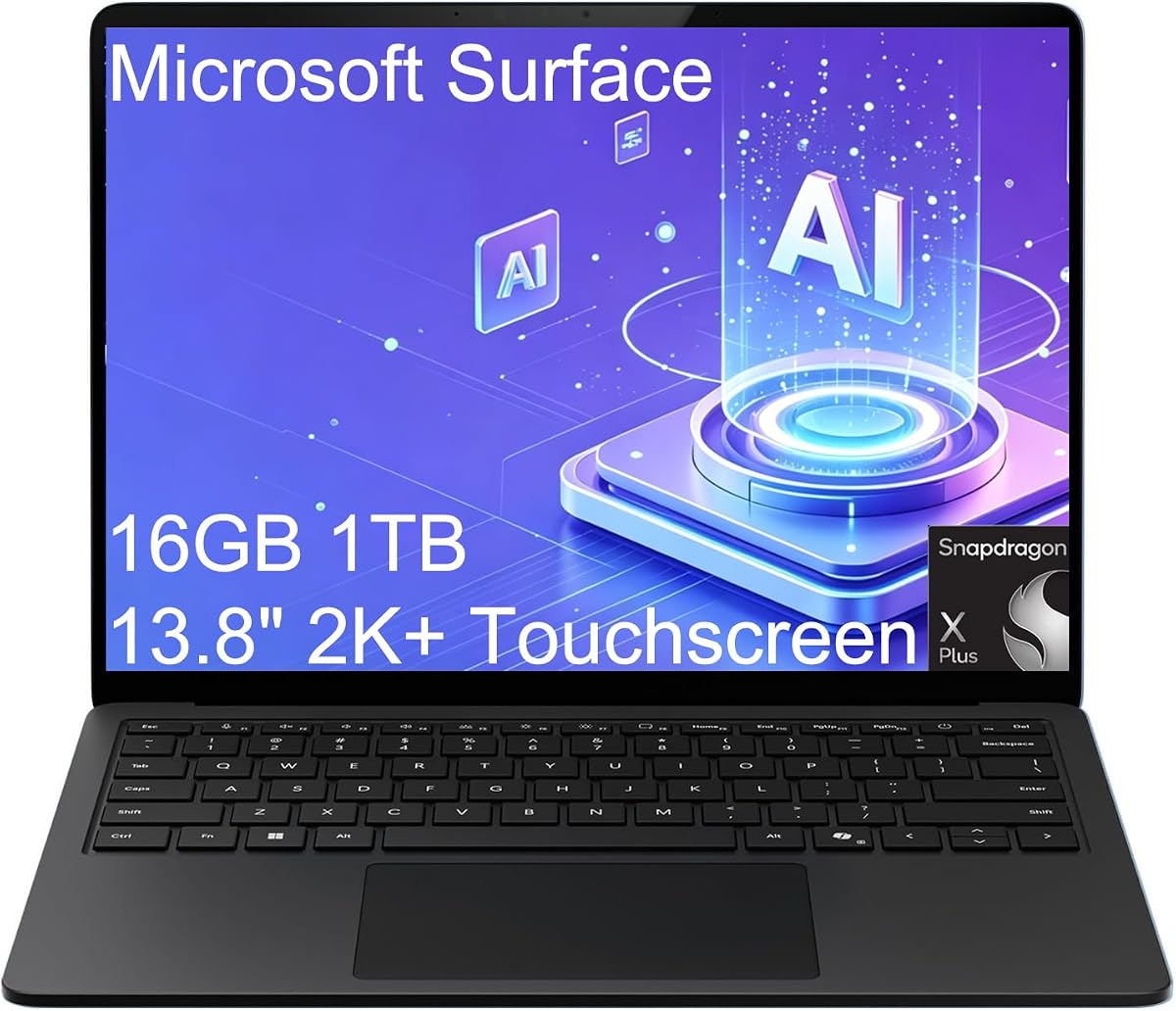

The Lenovo IdeaPad Slim 3 offers a balanced package for students and commuters seeking a reliable daily driver. With a 4.4-star rating it has proven itself as a sturdy option for general computing needs without breaking the bank.
We may earn a commission when you buy through this link, at no additional cost to you.
Its Ryzen 7 processor paired with 16GB RAM handles office work and light creative tasks efficiently. The touchscreen display and MIL-STD durability make it practical for classrooms and busy work environments where robustness is required.
While the battery life is decent it does not reach the extreme endurance of newer ARM-based models. This trade-off is acceptable given the price point and the flexibility of having multiple USB-A ports for legacy peripherals.
This laptop is ideal for users who prioritize portability and connectivity over raw endurance. It remains a strong choice for those needing a dependable machine for everyday tasks and virtual meetings.
Built to withstand daily wear and tear this model ensures reliability for travelers and students.
Multiple USB ports and HDMI allow easy connection to monitors and storage without dongles.
We may earn a commission when you buy through this link, at no additional cost to you.
The Dell XPS 13 9345 stands out as the top choice for professionals needing all-day power without interruption. Its industry-leading 27-hour battery life ensures you can work through long flights or meetings without anxiety about finding an outlet.
We may earn a commission when you buy through this link, at no additional cost to you.
Powered by the Snapdragon X Elite processor this laptop delivers desktop-class power in a thin chassis. The dedicated NPU enhances local AI tasks like live captions and image generation making it future-ready for modern software workflows.
The premium price is justified by the build quality and performance efficiency. While it has fewer ports than traditional laptops the high-speed USB4 connectivity ensures fast data transfer and reliable external monitor support.
This model is perfect for power users and executives who value mobility and reliability. It redefines what a portable laptop can achieve in terms of efficiency and professional-grade content creation anywhere.
Stay productive for days on a single charge thanks to the efficient Snapdragon architecture.
On-device AI accelerates tasks like transcription and image tools without cloud lag.
We may earn a commission when you buy through this link, at no additional cost to you.
The HP OmniBook 3 14 combines affordability with exceptional battery life making it a standout budget option. With up to 30 hours of local video playback it easily outperforms many expensive models in endurance tests.
We may earn a commission when you buy through this link, at no additional cost to you.
Its Snapdragon X processor ensures smooth multitasking while keeping power consumption low. The 2K touchscreen provides clear visuals for work and entertainment all while maintaining a slim and portable profile.
Fast charging is a great addition allowing you to get half a charge in just 45 minutes. This makes it perfect for quick top-ups before meetings or travel where finding an outlet might be difficult.
This laptop is highly recommended for students and casual users who want longevity without paying a premium. It offers a compelling mix of performance battery and features at a very accessible price point.
Enjoy up to 30 hours of battery life without the high price of flagship models.
The 2K IPS display offers sharp visuals and smooth touch interaction for daily use.
We may earn a commission when you buy through this link, at no additional cost to you.
This Lenovo model delivers robust performance for professionals managing demanding applications. The 24GB RAM and 1TB SSD provide ample resources for multitasking and storing extensive project data efficiently.
We may earn a commission when you buy through this link, at no additional cost to you.
Its 10-Core Intel processor handles complex workflows smoothly making it suitable for engineering or data analysis tasks. The MIL-STD-810H durability ensures it can withstand the rigors of a busy work environment.
While it is slightly heavier than ultraportables the extra power and storage justify the weight. The inclusion of various ports makes it versatile for connecting multiple peripherals without needing a docking station.
Ideal for business users and students who need a reliable workhorse. It balances raw performance with durability making it a strong choice for intensive daily workloads.
Manage large datasets and multiple apps simultaneously with 24GB RAM and 1TB SSD.
Military-grade testing ensures the laptop survives daily travel and demanding usage.
We may earn a commission when you buy through this link, at no additional cost to you.
The Dell XPS 13 9350 combines luxury design with strong performance for discerning users. Its up to 26-hour battery life keeps you powered throughout the day without needing a charger constantly.
We may earn a commission when you buy through this link, at no additional cost to you.
Features like the haptic glass touchpad and 120Hz display add a premium feel to everyday tasks. The Intel Ultra processor ensures efficiency and smooth operation even under load.
Despite the high price the build quality is exceptional and the device is very portable. Thunderbolt 4 ports allow for versatile connectivity options via docking stations or high-speed peripherals.
This is the perfect choice for executives and creatives who value aesthetics and performance. It delivers a high-end experience that matches professional standards for productivity and reliability.
Experience high-end craftsmanship and lightweight portability for effortless daily use.
The 120Hz refresh rate ensures smooth visuals and reduced eye strain for long sessions.
We may earn a commission when you buy through this link, at no additional cost to you.
The Lenovo Essential offers an affordable solution for basic computing needs. Its lightweight design makes it easy to carry for students or home users on a budget.
We may earn a commission when you buy through this link, at no additional cost to you.
With 8GB RAM and Wi-Fi 6 it handles web browsing and media streaming smoothly. The included Microsoft 365 adds value right out of the box for immediate productivity.
Storage is limited but suitable for users who rely on cloud services for their files. The durability rating ensures it can handle occasional drops and travel without issues.
Best for users who need a secondary machine or simple daily device. It provides essential features without unnecessary costs or complexity.
Access essential computing features and software without spending too much.
Weighs just 3.42 lbs for easy transport between home and office.
We may earn a commission when you buy through this link, at no additional cost to you.
The HP OmniBook 5 14 impresses with its rich OLED display and long battery life. It is well-suited for media consumption and creative work requiring accurate colors.
We may earn a commission when you buy through this link, at no additional cost to you.
With 34 hours of battery life it outlasts many competitors in endurance tests. The Snapdragon X Plus processor ensures efficient performance for everyday tasks without draining power quickly.
Some users may find the OS adaptation to ARM architecture challenging. However for basic use and media it offers a solid experience with fast charging capabilities.
This device is great for those who prioritize screen quality and battery longevity. It serves as an excellent entertainment and productivity machine for most daily needs.
Enjoy deep blacks and vivid colors with the 2K OLED screen for immersive viewing.
Work or play for up to 34 hours on a single charge for true mobility.
We may earn a commission when you buy through this link, at no additional cost to you.
The Microsoft Surface Laptop 7 brings premium design and efficiency to business users. Its 20-hour battery life ensures you stay connected throughout long workdays without frequent recharging.
We may earn a commission when you buy through this link, at no additional cost to you.
The Snapdragon X Plus processor delivers responsive performance while maintaining a cool running profile. The 120Hz touchscreen provides smooth interaction ideal for navigating complex software tools.
Integration with the Microsoft ecosystem makes it easy to manage workflows across devices. While it lacks some traditional ports the Surface Connect port supports legacy accessories when needed.
This laptop is perfect for professionals invested in Windows 11. It balances style performance and battery life into a cohesive package for modern work.
Get up to 20 hours of battery to power through meetings and travel easily.
The 2K+ display with 120Hz ensures crisp visuals and fluid touch control.
We may earn a commission when you buy through this link, at no additional cost to you.
The Lenovo Slim 7i Aura Edition delivers top-tier performance in a slim package. Its 32GB RAM makes it ideal for heavy multitasking and professional content creation tasks.
We may earn a commission when you buy through this link, at no additional cost to you.
The OLED display offers incredible color accuracy and brightness making it a pleasure to use. Weighing only 2.82 lbs it is easy to carry anywhere without compromising on power.
While it comes at a premium the build quality and features justify the investment. The Thunderbolt 4 ports support high-speed data transfer and external displays effortlessly.
This laptop is best for creators and professionals needing a powerful portable workstation. It provides the endurance and speed required for demanding work environments.
With 32GB RAM and Intel Ultra processor handle complex tasks with ease.
The OLED screen with Low Blue Light certification protects your eyes during work.
We may earn a commission when you buy through this link, at no additional cost to you.
This HP model is the clear leader in battery longevity offering up to 41 hours of usage. It is the ultimate choice for travelers who cannot rely on easy access to power.
We may earn a commission when you buy through this link, at no additional cost to you.
The Snapdragon X processor ensures efficiency while the OLED display adds visual richness. AI features enhance productivity with tools like live captions and voice assistants built-in.
Storage is modest but can be managed with cloud solutions. The fast charge feature ensures you get back in the quickly quickly when needed without long waits.
Perfect for extreme travelers and students seeking maximum endurance. It sets a new standard for how long a laptop can realistically last on a single charge.
Stay powered for over 40 hours on a single charge for extreme mobility.
Use AI tools for notes and summaries to streamline your daily workflow.
We may earn a commission when you buy through this link, at no additional cost to you.
Choosing a laptop with long battery life involves balancing processor efficiency, screen technology, and usage patterns. This guide explains the key factors to consider.
Modern processors like Snapdragon X Elite and Intel Ultra are designed to deliver high performance with low power consumption. Look for chips with dedicated NPUs for AI tasks which help offload work from the main CPU to save energy.
Prioritize ARM-based or efficient x86 chips to maximize battery runtime without sacrificing speed.
Battery life is often measured in watt-hours (Wh). Higher Wh ratings generally indicate longer usage times. Models with 60Wh or more are preferred for all-day use.
Check manufacturer claims for real-world expectations and look for fast charging support to reduce downtime.
OLED and high-resolution screens can drain batteries faster due to pixel density. However modern panels with low light modes and refresh rate control help mitigate this impact.
Balance resolution with brightness needs to ensure clear visuals without excessive power drain.
Windows 11 on ARM platforms often offers better power management than traditional versions. Copilot+ features can also streamline workflows reducing the need for constant high-performance usage.
Choose an OS that aligns with your software needs and supports efficient power modes.
Your daily tasks dictate battery requirements. Video editing and gaming consume more power than word processing or web browsing. Assess your typical workload before buying.
For light tasks even average laptops suffice, but power users should target models rated for 20 hours or more.
A lightweight chassis often correlates with better battery efficiency due to reduced material bulk. Durability standards like MIL-STD ensure the device withstands travel wear.
Select a build that is robust enough for travel but light enough to carry comfortably.
Modern laptops often lack legacy ports which can require dongles that draw extra power. USB-C with power delivery allows for flexible charging options.
Ensure the laptop supports necessary peripherals without draining battery or needing multiple adapters.
Integration with cloud services and AI tools can offload processing tasks. This reduces local CPU usage and extends battery life.
Consider devices that support cloud-first workflows to enhance energy efficiency across sessions.
To maximize battery longevity, avoid leaving your laptop plugged in constantly when fully charged. Use adaptive charging modes if available to prevent battery stress from continuous full charging cycles.
Keep your device in a moderate temperature range to prevent heat damage. Excessive heat reduces battery efficiency and shortens overall lifespan significantly.
Update your system regularly to benefit from manufacturer optimizations. Power settings should be adjusted to balance performance and battery savings based on your current usage.
ARM-based processors like the Snapdragon X Elite lead the industry in efficiency. They deliver desktop-level performance while consuming significantly less power than traditional x86 options. This makes them ideal for travelers needing extended runtime.
OLED screens can consume more power than LCDs due to pixel brightness. However, modern OLED panels include dimming features that help mitigate this. Balancing brightness levels is key to preserving battery life on OLED models.
Most lithium-ion batteries last between three to five years before noticeable degradation. Proper care like avoiding extreme temperatures extends this lifespan significantly. You can also use power management tools to reduce wear.
Power-saving modes reduce clock speeds and dim the screen to conserve energy. While they might slightly slow performance, they are essential for extending runtime. Most systems balance this well for everyday tasks.
Screen brightness and active background apps have the biggest impact on battery. Keeping the display at moderate levels and closing unused apps can save hours of runtime. Use flight mode when offline to reduce wireless drain.
Modern laptops use smart circuits to regulate voltage and prevent damage. Fast chargers are safe as long as they meet manufacturer specifications. Avoid using uncertified third-party adapters to ensure safety.
We have reviewed the top 10 laptops that excel in battery life and performance. From the Dell XPS 13 9345 to the HP OmniBook 3 14, each model offers unique strengths for different user needs.
Prioritize endurance and portability based on your daily tasks. If you work on the go, models with Snapdragon X processors are ideal for all-day usage without interruption.
Remember that prices and specifications can change frequently. Always check the current offers on the provided links to secure the best value for your investment.