
Amazon Fire HD 8 tablet
4.5Editor score
Up to 13 hours battery
Alexa voice assistant built-in
Compact and lightweight design
Finding the right device can be challenging when technology changes rapidly. Seniors need tablets that are simple to operate without sacrificing essential features like video calls and photo sharing. This guide highlights the top options designed with larger screens and intuitive interfaces in mind.
We evaluated ten tablets based on ease of use, battery life, screen clarity, and customer support. Each product was chosen for its ability to reduce friction for older adults. From dedicated senior platforms to mainstream tablets with accessibility settings, our list covers a wide range of needs.
Each pick includes detailed specs, pros, cons, and real-world usage scenarios. Prices and availability may change over time, so always check the latest information before purchasing. Our goal is to provide a clear path to finding a device that keeps loved ones connected and engaged.
4.5Editor score

4.2Editor score
4.7Editor score
As an Amazon Associate we earn from qualifying purchases.
This side-by-side comparison breaks down the key specifications and features of each tablet to help you make an informed decision quickly.




The GrandPad is a dedicated tablet and phone combo designed specifically for older adults. It holds a strong rating for its focus on safety and simplicity. Unlike standard tablets, it uses a private network to block unwanted content and ensure a smooth experience.
We may earn a commission when you buy through this link, at no additional cost to you.
Its standout quality is the curated interface that removes the stress of finding apps. Family members can share photos and videos securely through companion apps on their own phones. This creates a closed loop of connection without exposing the senior to open internet risks.
The trade-off is the requirement for a monthly plan which adds to the long-term cost. While the device is locked to specific services, this ensures that seniors do not accidentally download harmful software. The support team is available to help with activation and troubleshooting.
This device is ideal for seniors who need reliable connectivity without tech complexity. It is perfect for those who want to stay close to family without navigating ads or confusing settings. We recommend it as the top choice for secure senior communication.
The network blocks spam and scams automatically so seniors stay safe online without needing to manage settings.
Companion apps allow friends and family to share memories directly to the device without needing to know technical details.
We may earn a commission when you buy through this link, at no additional cost to you.
The Pix Star Touch is designed to reduce the learning curve for new tablet users. It features a simple interface that highlights important buttons to help seniors find their way easily. The screen size is generous at 10.1 inches which helps with visibility.
We may earn a commission when you buy through this link, at no additional cost to you.
Its key strengths include the ability to zoom the interface for better readability. This allows users to adjust the size of text and icons to match their vision needs. It also supports standard apps like email and video conferencing for family connection.
However, the lower rating suggests some users may find the hardware less robust than competitors. The interface is simplified but might feel limiting for advanced users. It is best suited for basic tasks like looking at photos and making calls.
We recommend this for seniors who need a very basic device without extra features. It is a good entry point for someone new to technology. Ensure you check current support levels before purchasing.
The zoom feature allows you to enlarge the screen content to make reading easier for those with vision changes.
Support for the Google Play Store lets you install familiar apps without needing complex setup procedures.
We may earn a commission when you buy through this link, at no additional cost to you.
The Amazon Fire HD 10 offers a vibrant display that is great for watching videos and reading. It runs a smooth OS with enough power for daily tasks like browsing and streaming. The battery life supports extended use without frequent charging.
We may earn a commission when you buy through this link, at no additional cost to you.
Key strengths include the integration of Alexa which lets users control the device with voice commands. This reduces the need for typing or navigating complex menus. The durability is also notable as it can withstand drops better than many peers.
One trade-off is that it does not support the Google Play Store by default. Seniors accustomed to Google apps may need to use Amazon Appstore alternatives. Ads may appear on the lock screen unless you pay for a removal fee.
This tablet is perfect for seniors who enjoy media consumption and value a large screen. It is a reliable choice for those comfortable with Amazon ecosystems. Consider it for entertainment focused needs at a reasonable price point.
Ask Alexa to read books or control smart home devices with simple voice commands for hands-free convenience.
The strengthened glass and drop test ratings mean it can handle everyday accidents without breaking easily.
We may earn a commission when you buy through this link, at no additional cost to you.
The Samsung Galaxy Tab A11+ delivers strong performance for Android users who want a larger screen. It features an 11 inch display that is ideal for watching movies and reading. The battery charges quickly so downtime is kept to a minimum.
We may earn a commission when you buy through this link, at no additional cost to you.
Its standout features include quad speakers that provide cinema-like audio for a better viewing experience. The storage capacity is ample so users do not need to delete photos often. The display supports high refresh rates for fluid motion.
The interface may be more complex than simplified senior tablets for beginners. It assumes some familiarity with Android settings but offers flexibility. Seniors with some tech experience will appreciate the power and speed of this device.
We recommend it for active seniors who want a robust tablet for various tasks. It is excellent for media consumption and light productivity. Ensure you have a stable Wi-Fi connection to maximize its performance benefits.
Quad speakers with Dolby Atmos make movies and music sound fuller and more immersive without needing headphones.
Large internal storage lets you keep all your photos and apps without needing external cards immediately.
We may earn a commission when you buy through this link, at no additional cost to you.
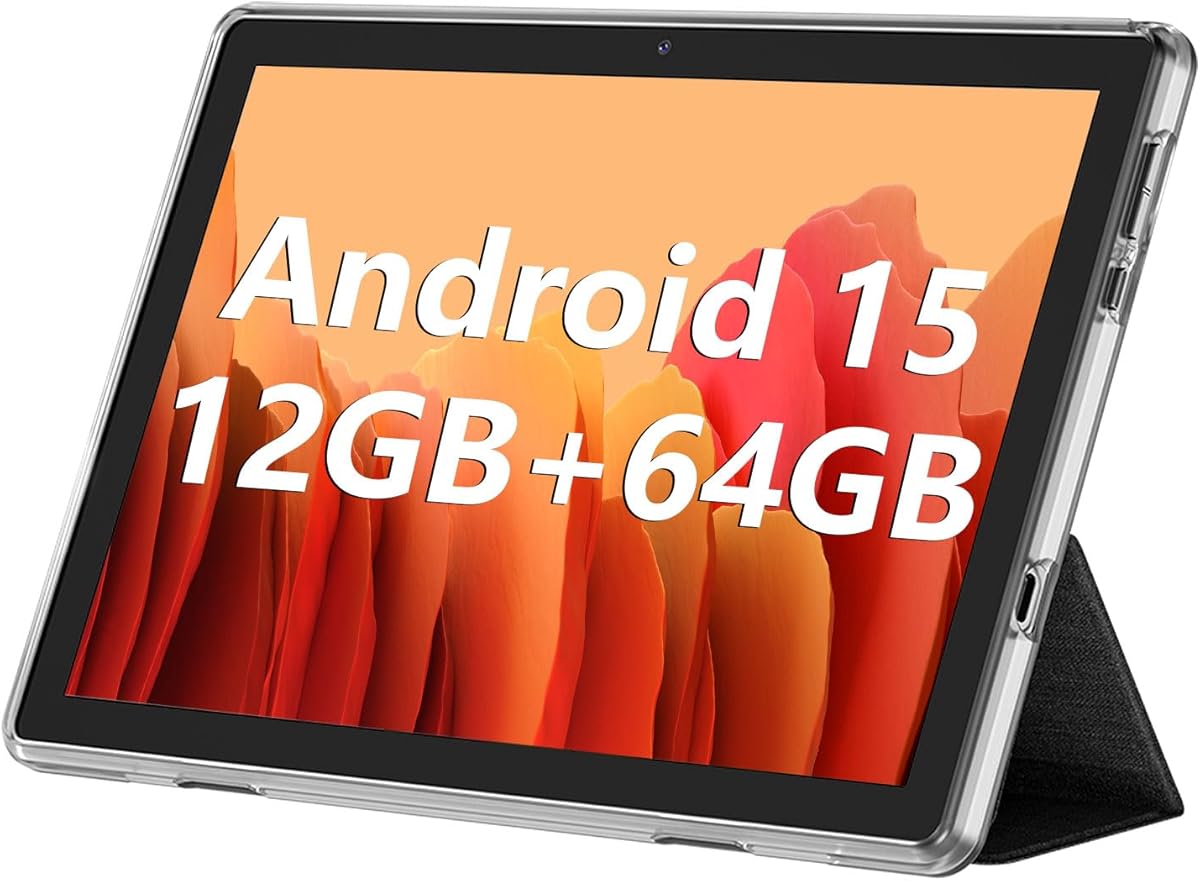
The ECOPAD offers a solid set of features at an accessible price point. It runs a modern Android OS which ensures app compatibility for several years. The large battery means you can use it for hours without charging.
We may earn a commission when you buy through this link, at no additional cost to you.
Its strengths include the ability to expand storage significantly which is great for storing many photos. The screen is HD and clear for general use. It supports Bluetooth and WiFi for easy connectivity to other devices.
Trade-offs include a lower brand reputation compared to major players like Samsung or Apple. User experiences may vary so reading recent reviews is wise. Support might be less extensive than with well-known brands.
This is a good option for budget-conscious seniors who need basic Android features. It works well for video calls and media. Check the warranty details carefully before purchase.
Running Android 15 ensures access to the latest apps and security updates for a safer experience.
SD card expansion allows you to add massive storage space for photos and videos easily.
We may earn a commission when you buy through this link, at no additional cost to you.
The Fire HD 8 is a budget friendly option that does not skimp on battery life. It is compact and easy to hold which is perfect for reading in bed. It supports video calls via Alexa apps making it easy to connect.
We may earn a commission when you buy through this link, at no additional cost to you.
Key strengths are its affordability and long battery life. You can read and stream for hours without worrying about charging. The voice assistant helps with tasks like setting reminders or checking the weather.
The trade-off is the smaller screen which may not be ideal for those with vision issues. The camera is adequate but not high resolution. For basic tasks however it is very capable.
We recommend this for seniors on a tight budget. It is perfect for readers and light users. If screen size is a priority consider the Fire HD 10 instead.
The lightweight build makes it easy to carry around the house or take on trips without strain.
Use Alexa to make calls and set alarms without typing which simplifies daily routines.
We may earn a commission when you buy through this link, at no additional cost to you.
The Lenovo Tab One is extremely light and comes with a case that protects it. It has a screen size that balances portability with readability. The battery supports long viewing sessions without interruption.
We may earn a commission when you buy through this link, at no additional cost to you.
Its strengths include the included folio case which adds value and protection. The stand function allows for hands-free viewing which is helpful for video calls. The speakers provide good sound quality for media.
The trade-off is the smaller screen size which might be hard for some to read. Storage is limited so cloud solutions may be needed. It is a strong contender for those who move around a lot.
We recommend this for seniors who want a portable device for travel. It is good for video calls and music. If you need more storage look at larger models.
The included case protects the tablet from scratches and includes a stand for easy viewing.
The battery supports over 12 hours of streaming so you can watch shows all day.
We may earn a commission when you buy through this link, at no additional cost to you.
This tablet comes with a very recent Android OS which ensures compatibility with new apps. It has a large screen and plenty of storage for all your files. The battery is sized for long daily use.
We may earn a commission when you buy through this link, at no additional cost to you.
Its strengths include cellular support which allows use without Wi-Fi. The display modes help protect eyes during long reading sessions. It is a feature-rich device for the price.
Trade-offs include a brand that is less well known than major manufacturers. Setup might require some tech knowledge. Ensure you understand the return policy before buying.
We recommend this for seniors who need offline capabilities. It is excellent for travel. If you need full support check the seller reputation first.
Dual SIM support lets you use data anywhere without relying on a Wi-Fi network at home.
Reading mode reduces blue light to make it more comfortable to use in dark rooms.
We may earn a commission when you buy through this link, at no additional cost to you.
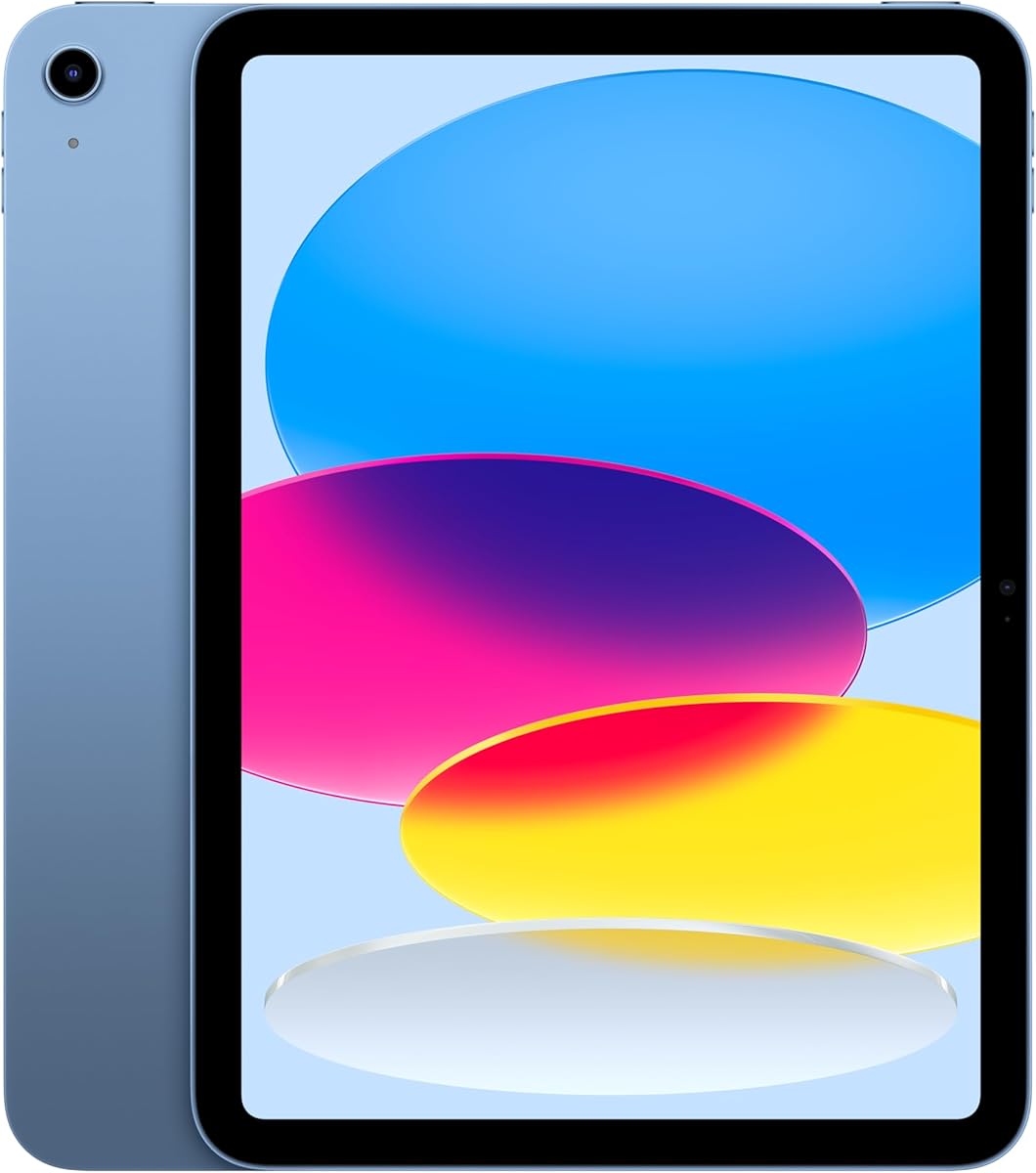
The iPad offers a premium experience with top-tier hardware and software. The screen is stunning for photos and videos and the interface is very easy to learn. It stays charged all day even with heavy use.
We may earn a commission when you buy through this link, at no additional cost to you.
Its strengths are the app ecosystem which ensures high quality versions of apps. Touch ID allows secure access without typing complex passwords. The camera quality is excellent for clear video calls.
The trade-off is the higher initial cost compared to Android tablets. Storage cannot be expanded so choose your capacity carefully. It is a solid long-term investment for tech users.
We recommend this for seniors who want the best possible device. It is great for media and communication. If budget allows this is a reliable choice.
The Liquid Retina display adjusts colors to match the room light for comfortable viewing.
Touch ID lets you unlock the iPad with your fingerprint so you do not need to type a password.
We may earn a commission when you buy through this link, at no additional cost to you.
This Samsung tablet is lightweight and comes with a modern Android interface. It offers a good refresh rate for smooth scrolling and navigation. The battery life is sufficient for daily tasks.
We may earn a commission when you buy through this link, at no additional cost to you.
Its strengths include the portable size and the clean One UI software. It is easy to use for basic browsing and video calls. The brand is well known for reliability.
The trade-off is that it is a WiFi model with no SIM slot. This limits use to areas with wireless internet. It is a good choice for home use.
We recommend this for seniors who stay mostly at home. It is great for media and reading. If you need mobile data consider a cellular version.
Android 15 and One UI provide a clean and easy to navigate home screen.
The light weight makes it easy to move from room to room without fatigue.
We may earn a commission when you buy through this link, at no additional cost to you.
Choosing the right tablet involves evaluating features that match your daily needs and tech comfort level.
A larger screen like 10 inches or more helps with reading text and seeing photos clearly. Look for high resolution displays that offer sharp images without pixelation.
Prioritize screen size if you plan to read books or watch movies often.
Long battery life ensures the device stays on through the day without needing to plug in. Aim for at least 8 to 10 hours of active use.
Check battery specs to avoid interruptions during important video calls or reading sessions.
Some tablets offer simplified interfaces with large icons and fewer distractions. This reduces confusion and makes navigation faster for new users.
Look for features like zoom options or custom home screens for ease of use.
Senior tablets often include built-in protections against scams and spam. This keeps your information safe without extra software.
Ensure the device blocks unwanted content automatically for peace of mind.
Storage determines how many photos and apps you can keep on the device. If you plan to save many memories look for larger internal storage or SD slots.
64GB or more is ideal for most users to avoid running out of space.
Clear cameras are essential for video calls with family. A front camera of at least 5MP helps ensure you are seen clearly.
Check camera specs if you plan to use the tablet for face-to-face conversations.
Consider if you need cellular data or if Wi-Fi is sufficient for your location. Some models support SIM cards for internet on the go.
Select Wi-Fi only if you mostly use the device at home to save on cost.
Reliable support is crucial when setting up a new device. Check if the brand offers phone help or in-person support.
Adequate support reduces frustration during the initial setup and troubleshooting phases.
Start by setting up the device in a well-lit area. Follow the on-screen prompts to connect to Wi-Fi and sign in to your account. Take your time during this step to ensure all settings are correct.
Keep the device clean by using a microfiber cloth to wipe the screen. Avoid using harsh chemicals or spraying liquids directly on the tablet to prevent damage.
Update the software regularly to ensure you have the latest security features. Check settings at least once a month for available updates to keep performance optimal.
The GrandPad is designed specifically for beginners with a locked interface that blocks complexity. It removes the need to navigate ads or confusing menus and focuses on core features like calls and photos.
Not all tablets require a plan. Mainstream options like Fire and iPad work without subscriptions. However, dedicated senior devices often include support and security features through a monthly plan.
Most tablets have a video call app pre-installed. Open the app and follow prompts to add contacts. Ensure the camera and microphone permissions are allowed in settings for success.
Many Android tablets like the Samsung and ECOPAD support SD cards. Check the device for a card slot. iPads and Fire tablets usually do not support expandable storage so choose internal size carefully.
Most tablets are not waterproof. Keep liquids away from the device to prevent damage. If you use it in the kitchen or bathroom consider a protective case to reduce risk of spills.
A tempered glass screen protector adds scratch resistance. Use a case with a front cover when not in use. Avoid leaving the tablet in direct sunlight to prevent screen damage.
Our top picks like the GrandPad and iPad offer distinct benefits for seniors. The GrandPad leads in simplicity and security while the iPad offers top tier hardware and app access.
Prioritize screen size and battery life when making your decision. If you value ease of use consider models with built-in simplified interfaces.
Always check current prices and availability before buying. Tech deals change frequently so compare the latest offers to get the best value.