
StarTech Thunderbolt 5 Universal Docking Station
4.7Editor score
Thunderbolt 5 connectivity
Quad 4K display support
140W Power Delivery
This expert guide compares the top 10 docking stations with quad monitor support for productivity and creative workflows in October 2026.
Finding the right docking station with quad monitor support is essential for modern professionals who need expansive workspace. These devices allow you to connect multiple displays and peripherals through a single cable, streamlining your desk setup significantly.
We evaluated ten leading models based on display compatibility, port variety, power delivery, and build quality. Our comparison focuses on real-world performance for multitasking, coding, and design work across Windows and macOS environments.
Each pick highlights unique strengths and potential trade-offs to help you choose wisely. Prices and availability change frequently, so check current listings before purchasing to ensure you get the best value for your needs.
4.7Editor score
4.4Editor score

4.4Editor score
This side-by-side comparison outlines the key specifications and capabilities of each selected docking station to help you identify the best fit for your multi-monitor setup.

This entry lacks detailed public information. It represents a potential option but needs verification.
We may earn a commission when you buy through this link, at no additional cost to you.
Without specs, assessing true value is difficult. Check listings for port counts.
Trade-offs include missing details. Ensure you know exact needs.
Buy only if specs meet your exact requirements.
We may earn a commission when you buy through this link, at no additional cost to you.
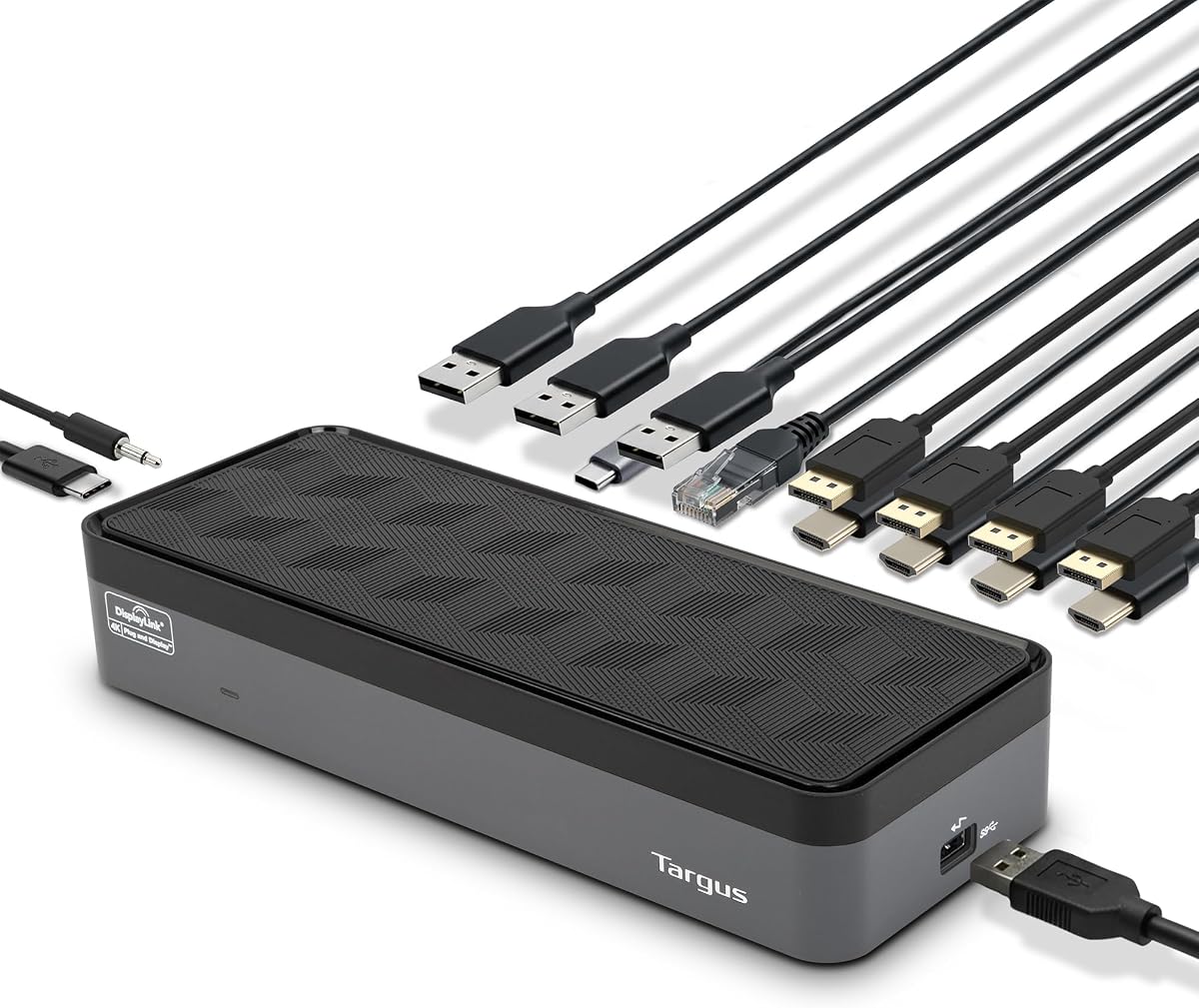
The Targus USB-C Universal Quad 4K Docking Station earns Editor's Choice for its reliable multi-display output. It supports four 4K monitors and provides 100W charging.
We may earn a commission when you buy through this link, at no additional cost to you.
Its standout features include five USB ports and gigabit Ethernet. Compatibility with legacy laptops via adapters makes it versatile.
Trade-offs include a larger footprint and driver needs. These are acceptable for professional stability.
Buy this if you need robust quad setups and wide laptop support.
Supports up to four 4K displays or a single 5K for maximum productivity.
100W charging keeps laptops running while USB ports handle all your external devices.
We may earn a commission when you buy through this link, at no additional cost to you.
The TobenONE DisplayLink Docking Station offers a budget-friendly path to three or four monitors. It includes 120W charging and eighteen ports total.
We may earn a commission when you buy through this link, at no additional cost to you.
Its key strengths are data transfer speeds and port variety. The included adapter simplifies your desk.
Trade-offs involve driver setup and streaming restrictions. These are minor for work productivity.
Choose this if you want high port counts without premium pricing.
Eighteen ports allow you to connect multiple peripherals simultaneously without clutter.
The 120W adapter ensures both laptop and dock receive sufficient power.
We may earn a commission when you buy through this link, at no additional cost to you.
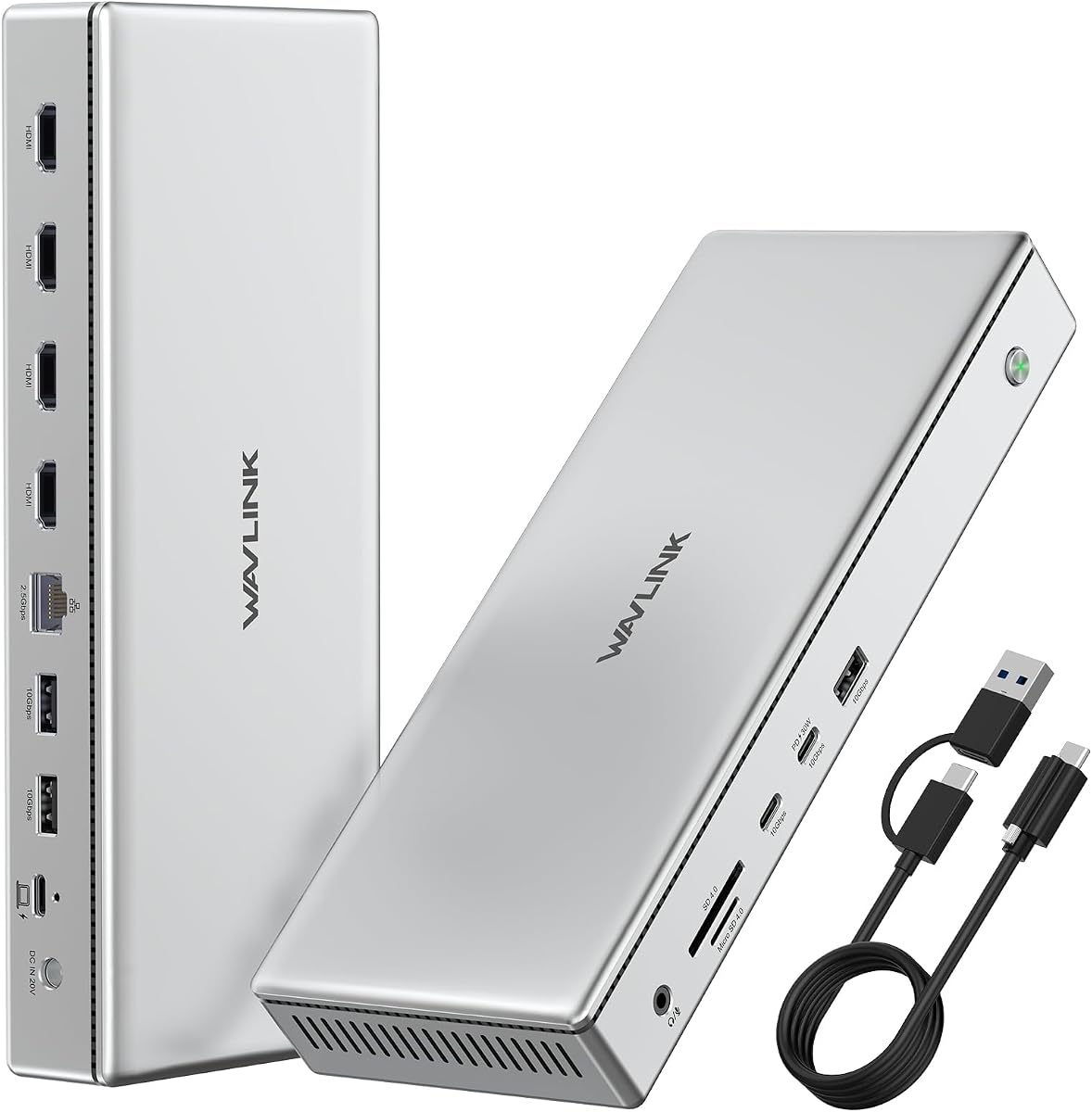
The WAVLINK Pro Docking Station uses DisplayLink to break Mac display limits with four HDMI outputs. It includes a 160W adapter.
We may earn a commission when you buy through this link, at no additional cost to you.
Its key strengths are fast card readers and Ethernet speed. The build quality supports heat dissipation.
Trade-offs include driver dependency and potential latency. These fit video editors or creators.
Buy if you need HDMI-based quad setups with robust power.
Four HDMI ports allow direct connection to many standard monitors easily.
160W adapter ensures your laptop and peripherals have consistent power.
We may earn a commission when you buy through this link, at no additional cost to you.
The StarTech Thunderbolt 5 Universal Docking Station represents premium performance with native driverless support. It delivers 140W charging.
We may earn a commission when you buy through this link, at no additional cost to you.
Its standout features include driverless compatibility across OS and secure lock slots. IT pros recommend it for stability.
Trade-offs include higher price and specific host needs. These are acceptable for business environments.
Invest in this if you need reliable, high-speed Thunderbolt 5 setups.
Install quickly without OS-specific workarounds for consistent behavior everywhere.
Unlock full display potential of Apple Silicon with up to quad 4K support.
We may earn a commission when you buy through this link, at no additional cost to you.
The TobenONE 18-in-1 DisplayLink Docking Station unlocks multi-display productivity with four HDMI ports. It supports 100W charging.
We may earn a commission when you buy through this link, at no additional cost to you.
Its strengths are port variety and compatibility. It includes a 120W adapter for convenience.
Trade-offs include macOS limits and drivers. These are acceptable for most workflows.
Select this if you need high port counts and HDMI outputs.
Four HDMI ports allow direct connection to multiple displays easily.
Works with USB4, Thunderbolt 5, and Windows laptops effectively.
We may earn a commission when you buy through this link, at no additional cost to you.
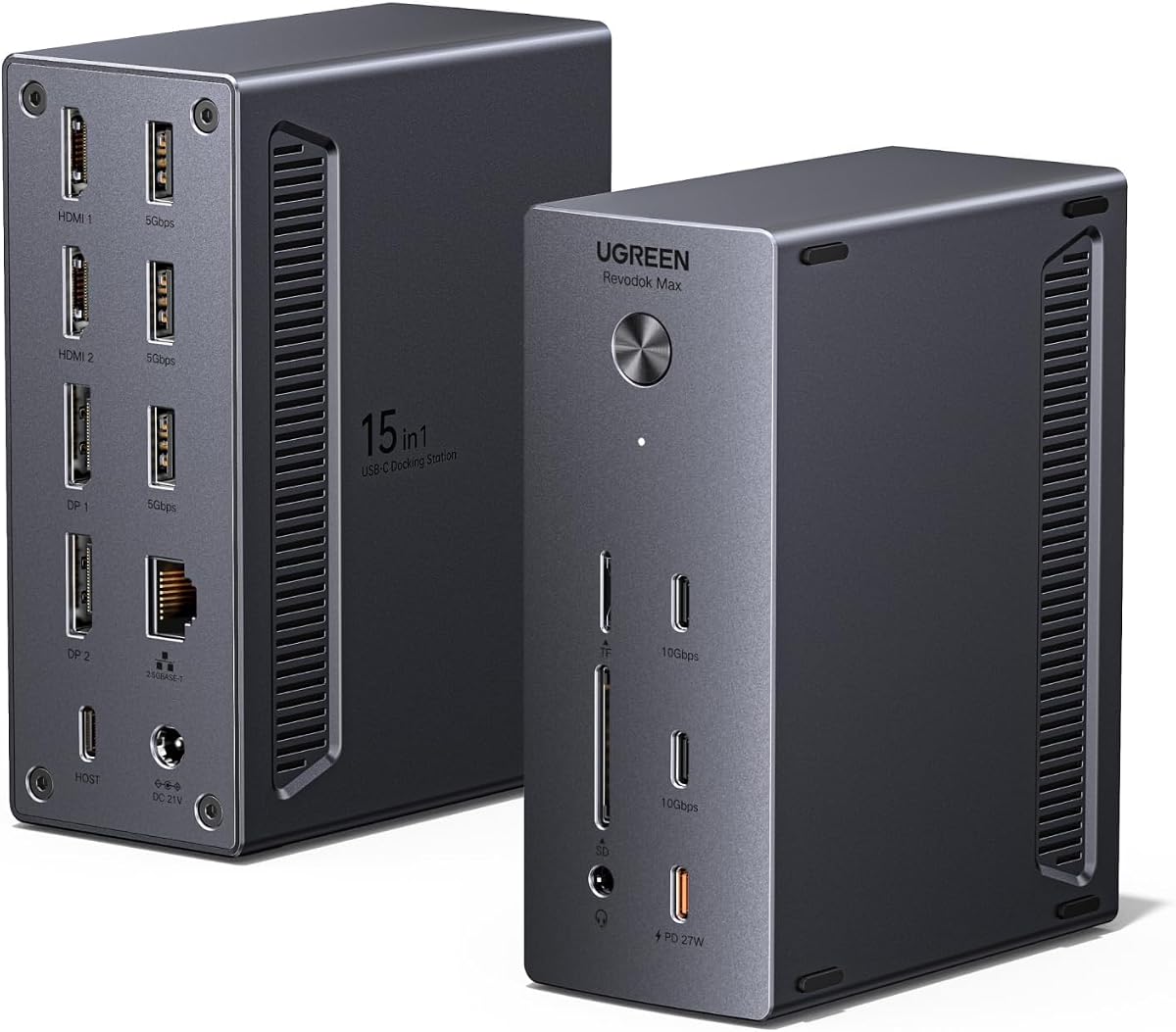
The UGREEN USB-C DisplayLink Docking Station offers flexible expansion with 15-in-1 connectivity. It provides high ratings and supports quad displays.
We may earn a commission when you buy through this link, at no additional cost to you.
Its strengths are Ethernet speed, charging capacity. The dynamic power sharing helps charge devices.
Trade-offs include driver needs. These are manageable for professionals.
Buy if you value flexibility and robust power.
2.5GbE provides stable, fast wired networking for workstations.
150W adapter dynamically shares power for laptop and peripherals.
We may earn a commission when you buy through this link, at no additional cost to you.
Choosing the right docking station requires attention to ports, compatibility, and power. This guide details the most critical factors to evaluate.
Ensure the dock offers enough video outputs for your monitors. Look for HDMI or DisplayPort connectors matching your screens.
Check for DisplayLink support if your laptop lacks native video out.
Verify compatibility with your laptop's operating system. USB-C, Thunderbolt 3/4, and USB4 differ significantly.
Confirm the dock works with your specific OS version.
Choose a dock providing enough watts to charge your laptop. Typically 100W is standard for modern notebooks.
Check for PD ports to charge phones simultaneously.
Count the USB-A and USB-C ports needed for peripherals. Ensure speeds like 10Gbps for fast transfers.
Select a dock with enough ports for your workflow.
Gigabit or 2.5G Ethernet ensures stable connectivity. This matters for large file transfers.
Check that the dock supports fast network speeds.
DisplayLink docks need drivers to function. Ensure you can install them on your system.
Check for driverless options if you want simplicity.
Aluminum bodies dissipate heat better. Avoid docks that overheat under load.
Choose a durable dock for reliability.
Look for lock slots if you share desks. Security helps prevent theft.
Ensure the dock supports physical security.
Connect the dock to a stable power source first. Plug in your monitors via HDMI or DisplayPort.
Link the dock to your laptop via a quality USB-C cable. Ensure it matches video standards.
Install any required drivers before plugging in devices. Check OS settings for extended displays.
Not all docks need drivers. Thunderbolt docks are driverless, but DisplayLink models require driver installation for multi-monitor output.
Mac laptops often support two monitors natively. For four, you may need DisplayLink or specific Thunderbolt docks with daisy chaining.
Typically 100W is standard. It ensures your laptop charges while the dock powers peripherals.
Many modern docks support 4K at 60Hz. Verify specifications to ensure smooth performance.
Yes, docks allow multiple USB devices, monitors, and network connections simultaneously.
Thunderbolt offers higher bandwidth and faster speeds. USB-C docks vary and may rely on drivers.
The Targus USB-C Universal Quad 4K, StarTech Thunderbolt 5, and TobenONE DisplayLink are top picks for diverse needs. Each brings unique strengths.
Prioritize compatibility with your laptop and required ports. Check power delivery to keep devices running.
Prices and availability change often. Verify current listings before buying.