
California JOS GPU Support Bracket
4.7Editor score
Durable All-Aluminum Build
Height Adjustable for Universal Fit
Prevents GPU Sag and Damage
Modern graphics cards are heavy and can bend their slots over time. An Anti Sag GPU Support Bracket prevents this damage by holding the card steady. These brackets are essential for gamers and workstation users.
We compared ten popular options based on build quality, adjustability, and ease of installation. Our list covers aluminum and magnetic designs to suit different cases and budgets. Each product was evaluated for long-term reliability.
This guide highlights the key features of every pick to help you choose. Remember that prices and stock change frequently. Always check the current link before purchasing to ensure the best deal for your system.
4.7Editor score
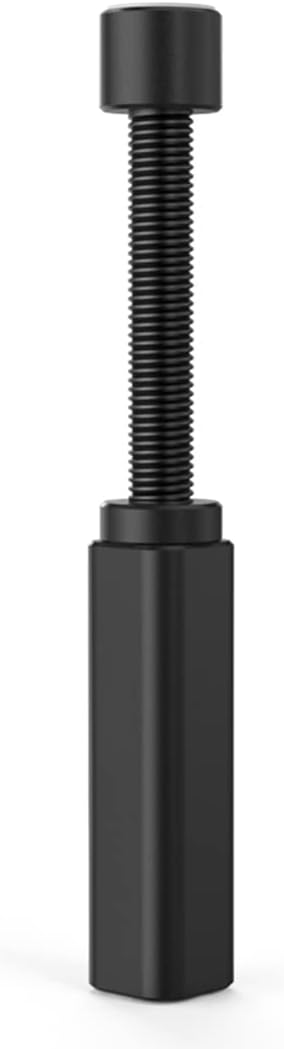
4.7Editor score
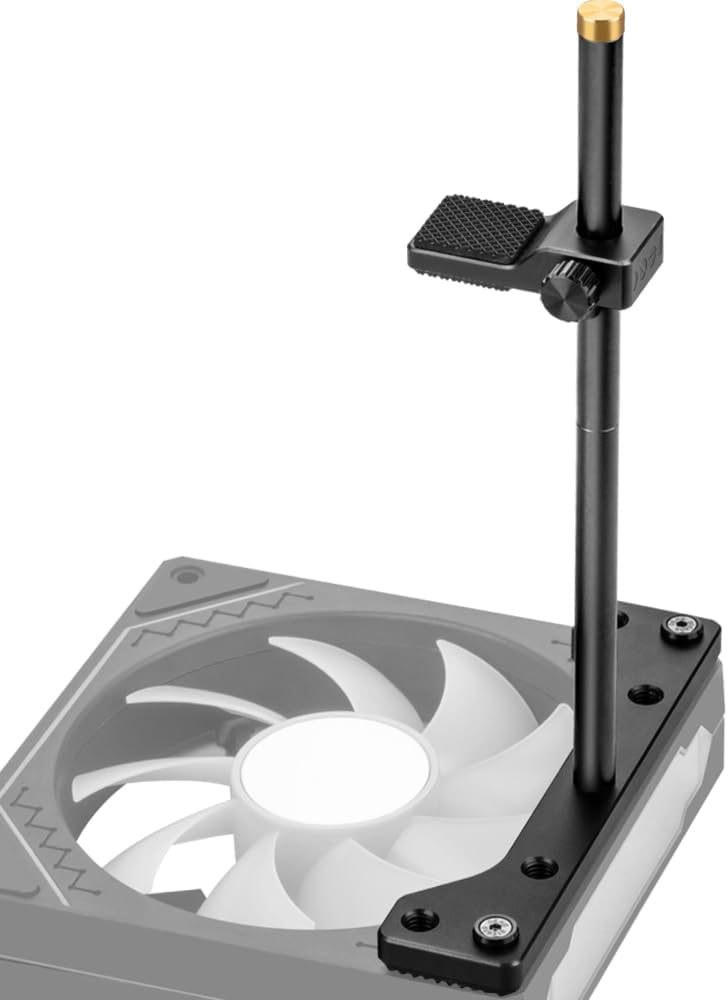
4.7Editor score
As an Amazon Associate we earn from qualifying purchases.
The following table provides a side-by-side comparison of all ten products. It highlights the key specifications and unique features of each bracket to help you make an informed decision quickly.

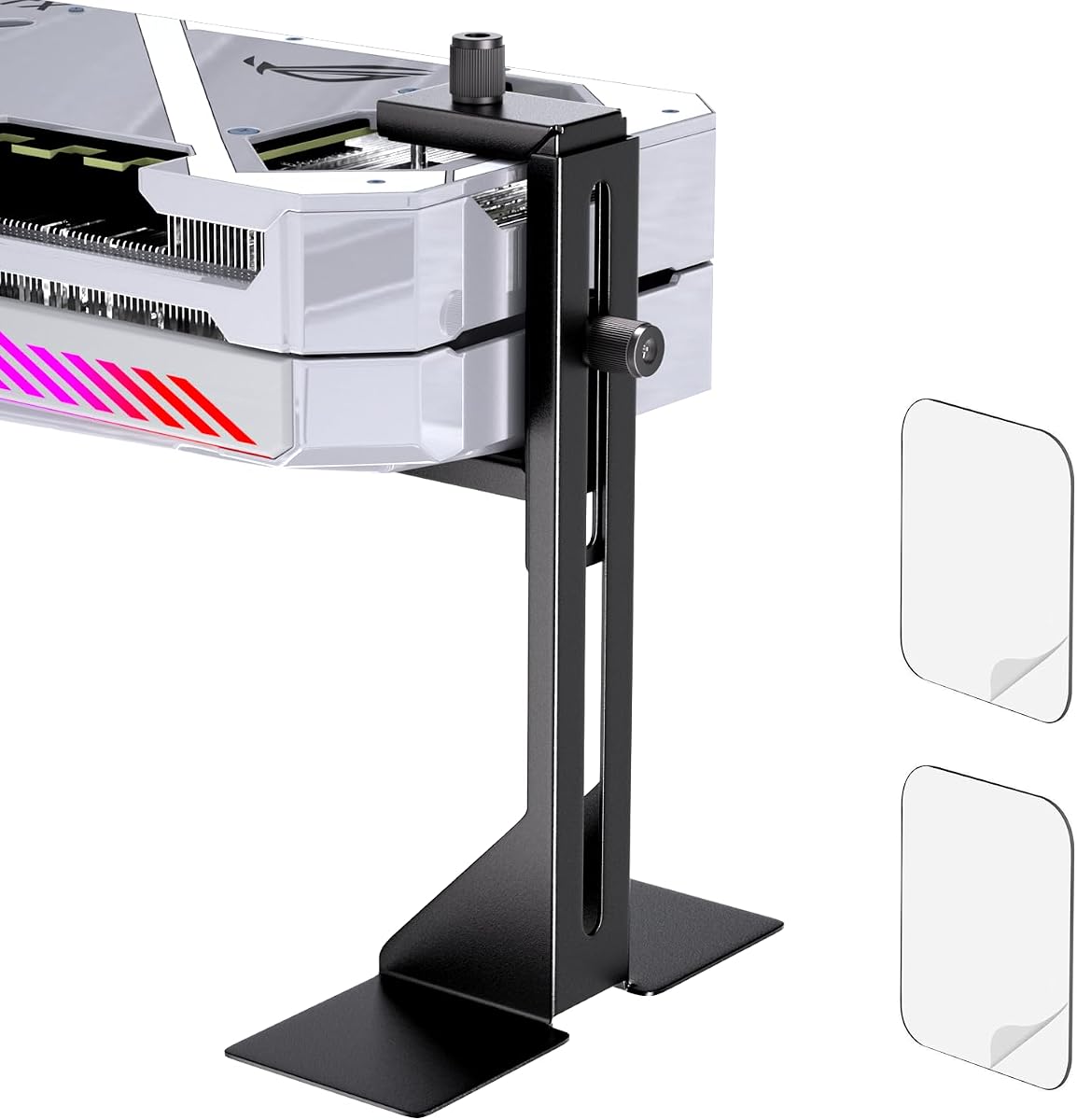


This product stands out as a reliable option for preventing GPU sag. With a high rating and strong build quality, it ensures your graphics card stays level. The aluminum material offers durability that plastic cannot match.
We may earn a commission when you buy through this link, at no additional cost to you.
The screw adjustment design allows for precise fitting in various chassis configurations. Hidden magnets in the base provide stability without needing screws. The polished finish also looks good in a clear side panel case.
While it is robust, finding the perfect height might take a few tries. The tool-free module is convenient but may not grip every surface equally well. These are minor issues compared to the protection it offers.
If you need a long-term solution for a heavy card, this bracket is a solid choice. It balances affordability with high-quality materials effectively. We recommend it for most users seeking dependable support.
Made of all-aluminum to avoid aging and provide strong support.
Hidden magnets keep the stand steady in the chassis.
We may earn a commission when you buy through this link, at no additional cost to you.
This bracket offers precise adjustments with 0.5mm increments. It is made from high-quality aluminum alloy that resists rust. The magnetic base ensures it stays fixed while you work.
We may earn a commission when you buy through this link, at no additional cost to you.
The large diameter provides maximum load capacity for heavy cards. Installation is quick and tool-free thanks to the hand-tightening design. The silicone pads prevent damage to your graphics card surface.
It comes with a robust warranty backing your purchase. However, the cost is slightly higher than basic models. The extra features justify the price for those who value precision.
Buy this if you need fine control over the support height. It is excellent for cases with tight spacing. The warranty adds peace of mind for long-term use.
Adjust in 0.5mm steps to fit any case perfectly.
Backed by an 18+18 month support warranty.
We may earn a commission when you buy through this link, at no additional cost to you.
This bracket is a great affordable option for preventing sag. It is made from high-quality aluminum alloy for durability. The design ensures your GPU and motherboard stay safe from weight damage.
We may earn a commission when you buy through this link, at no additional cost to you.
It features a simple tool-free setup that works with most cases. The secure base offers stability without complex installation steps. Packaging is done in the USA for quality control.
While it lacks fancy features, it does the core job well. The price point makes it accessible to many users. Satisfaction is guaranteed with round customer support available.
Pick this if you want a no-frills reliable support. It is ideal for budget builds needing protection. The quality matches the price tag perfectly.
Easily adjusts to accommodate different GPU sizes.
Offers a secure base for stability in the chassis.
We may earn a commission when you buy through this link, at no additional cost to you.
This bracket uses a strong adhesive to attach to the chassis. It works for both horizontal and vertical GPU setups. The adhesive ensures it remains firmly in place during use.
We may earn a commission when you buy through this link, at no additional cost to you.
It supports cards up to 75mm thickness with wide compatibility. The design prevents wobbling or movement that could cause damage. You can reuse the adhesive if you need to move it.
However, the adhesive might not work on all surfaces. It is less permanent than a magnetic base. But it is a good solution for cases without metal PSUs.
Choose this if your case requires adhesive mounting. It offers flexibility for different orientations. The wide compatibility makes it versatile for many builds.
Designed for both horizontal and vertical orientation.
Leaves minimal to no residue if you clean.
We may earn a commission when you buy through this link, at no additional cost to you.
This bracket combines aluminum alloy with a high-gloss finish. It features a screw adjustment design compatible with various chassis. Hidden magnets make installation easier and standing stable.
We may earn a commission when you buy through this link, at no additional cost to you.
The CNC high-gloss process maintains durability and look. It includes cushioning pads to prevent scratching your GPU. The module is tool-free for quick setup in minutes.
The range might be tight for very large cases. But it provides strong support for most cards. The finish adds a premium touch to your build.
Consider this for a polished look with good support. It fits ATX and M-ATX systems well. The anti-scratch pads protect your hardware effectively.
Maintains durability and looks great in cases.
Equipped with cushioning to prevent damage.
We may earn a commission when you buy through this link, at no additional cost to you.
This tall bracket offers a height range of 4.53 to 8.27 inches. It is made from quality aluminum metal for strong support. A hidden magnet base helps it stay steady in the chassis.
We may earn a commission when you buy through this link, at no additional cost to you.
You can adjust the height by simply twisting the nut. This design allows for quick changes without extra tools. The guarantee offers a refund if not satisfied.
The plastic nut might wear over many adjustments. But the metal base ensures stability. The wide range fits many configurations well.
Use this if you have a tall case or thick GPU. It provides the extra height needed for clearance. The twist design is user-friendly.
Adjusts from 4.53 to 8.27 inches.
No need for tools to change height.
We may earn a commission when you buy through this link, at no additional cost to you.
This stand features a white finish for a clean PC look. It provides robust reinforcement to prevent GPU sag and maintain alignment. The magnetic base keeps it stable on metal surfaces.
We may earn a commission when you buy through this link, at no additional cost to you.
The setup process is simple and tool-free for beginners. It works with major brands like ASUS and MSI. The design eliminates stress on the PCIe slot.
The white color might show dust more easily. But it complements modern white builds well. The magnetic base is strong enough for most GPUs.
Pick this for white PC builds needing support. It offers essential structural reinforcement with style. The universal fit makes it reliable.
Complements modern PC aesthetics perfectly.
Installs quickly without tools for beginners.
We may earn a commission when you buy through this link, at no additional cost to you.
This bracket is made of solid aluminium with a soft pad. It adjusts from 2.9 to 5 inches for a perfect fit. The rubber pad prevents vibrations and ensures safe contact.
We may earn a commission when you buy through this link, at no additional cost to you.
Installation requires no tools just place it under the card. It stops sag without hassle or damage to your hardware. The satisfaction guarantee adds confidence to the purchase.
It is limited to specific height ranges. But the solid build is durable. The rubber pad protects your GPU finish well.
Choose this if you need simple solid support. It is great for medium cases. The pad ensures your GPU stays safe.
Premium design made from solid materials.
Prevents vibrations and ensures safe contact.
We may earn a commission when you buy through this link, at no additional cost to you.
This bracket is designed for 12cm fans to hold heavy cards. It uses CNC aluminum for a premium feel and strength. You can detach the height into two parts for flexible placement.
We may earn a commission when you buy through this link, at no additional cost to you.
Non-slip rubber pads protect your card from scratches. The height adjusts from 0.63 to 6.3 inches to suit layouts. Screws for fans are included to help setup.
It is more expensive but offers unique features. The fan mount adds stability not found elsewhere. The detachable parts help with case constraints.
If you need fan mounting support this is a top pick. The CNC quality ensures long life. It is worth the cost for complex builds.
Special designed for 12cm fan attachment.
Can detach into two parts for layout.
We may earn a commission when you buy through this link, at no additional cost to you.
This bracket prevents sag without detracting from case aesthetics. It is made of premium quality aluminum for long support. A magnetic base sticks to PSU shrouds effectively.
We may earn a commission when you buy through this link, at no additional cost to you.
Rubber pads on the ends add grip where placed. Simply twist the nut to adjust height as needed. It works with various chassis configurations easily.
The rubber might degrade over time. But the support is strong and reliable. The design stays hidden in most builds.
Use this for a discreet solution to sag. It protects your card without showing. The magnetic base ensures a secure fit.
Does not detract from the aesthetics of your computer.
Ability to stick to the PSU shrouds in cases.
We may earn a commission when you buy through this link, at no additional cost to you.
Choosing the right Anti Sag GPU Support Bracket depends on several factors that affect stability and aesthetics. Understanding these elements ensures you protect your expensive hardware effectively.
The material determines how well the bracket resists bending or rust over time. Aluminum is often preferred for its strength and lightweight properties compared to plastic alternatives.
Look for brackets with adjustable height to fit your specific case and GPU. Some allow screw adjustments while others use twist nuts for flexibility.
Determine if you need a magnetic base or adhesive. Magnetic mounts are easier to install on metal surfaces while adhesive works on glass or painted panels.
Ensure the bracket fits your chassis type such as ATX or ITX. Check the minimum and maximum height specifications to avoid clearance issues with fans.
Opt for finishes like anodizing that prevent wear. A durable build ensures the bracket lasts as long as your graphics card setup.
Tool-free options save time and reduce frustration during assembly. Some models include leveling tools to help you ensure the GPU is perfectly straight.
Check if the manufacturer offers a warranty for peace of mind. A good support team can assist with any issues that arise during installation.
Avoid applying too much pressure on the card when adjusting. This can cause damage to the graphics card components. Handle the bracket gently to extend its lifespan.
Yes, especially if your graphics card is heavy. Over time, the weight can cause the card to sag which stresses the PCIe slot. A bracket prevents this damage.
Most brackets are designed to fit below the fan area. However, measure your case to ensure clearance. Some models specifically attach to fans for extra stability.
Adjust the bracket until it supports the card without forcing it up. It should fit snugly so the card remains level. Avoid over-tightening which might cause strain.
Magnetic bases are safe for metal surfaces like PSU shrouds. They may not work on glass or plastic panels. Use adhesive options if your case lacks metal support.
They are designed to prevent sag effectively by providing support at the end. This reduces stress on the slot significantly. Most users report excellent results.
No, there are various designs and colors available. Some have a minimalist look while others add style. Choose one that matches your PC build aesthetic.
Always check current prices and availability before purchasing. Your protection investment in a bracket will save you from costly repairs later.