
Liene PixCut S1
4.2Editor score
Color dye-sublimation
AI auto-cutting
High resolution prints
Discover the top AI Sticker Printer Maker models for creative kids and DIY enthusiasts. This guide compares features, printing quality, and ease of use to help
AI sticker printer makers are revolutionizing how children and crafters create personalized designs. These devices use voice commands or simple inputs to generate unique stickers instantly. They combine technology with creativity, offering a fun way to express ideas without needing drawing skills.
We evaluated ten top-rated models based on print quality, ease of use, and creative features. Our comparison focuses on thermal technology, app integration, and safety measures. Each product was selected for its ability to deliver consistent results and engage users of all ages.
Each pick highlights specific strengths like voice activation, color printing, or portability. Prices and availability change frequently so check current listings before purchasing. This guide ensures you find the right tool for your creative projects and budget needs today.
4.2Editor score

4.8Editor score

5.0Editor score
This table provides a side-by-side overview of all ten models. It highlights key specifications like printing technology, connectivity options, and included accessories to help you make an informed decision quickly.
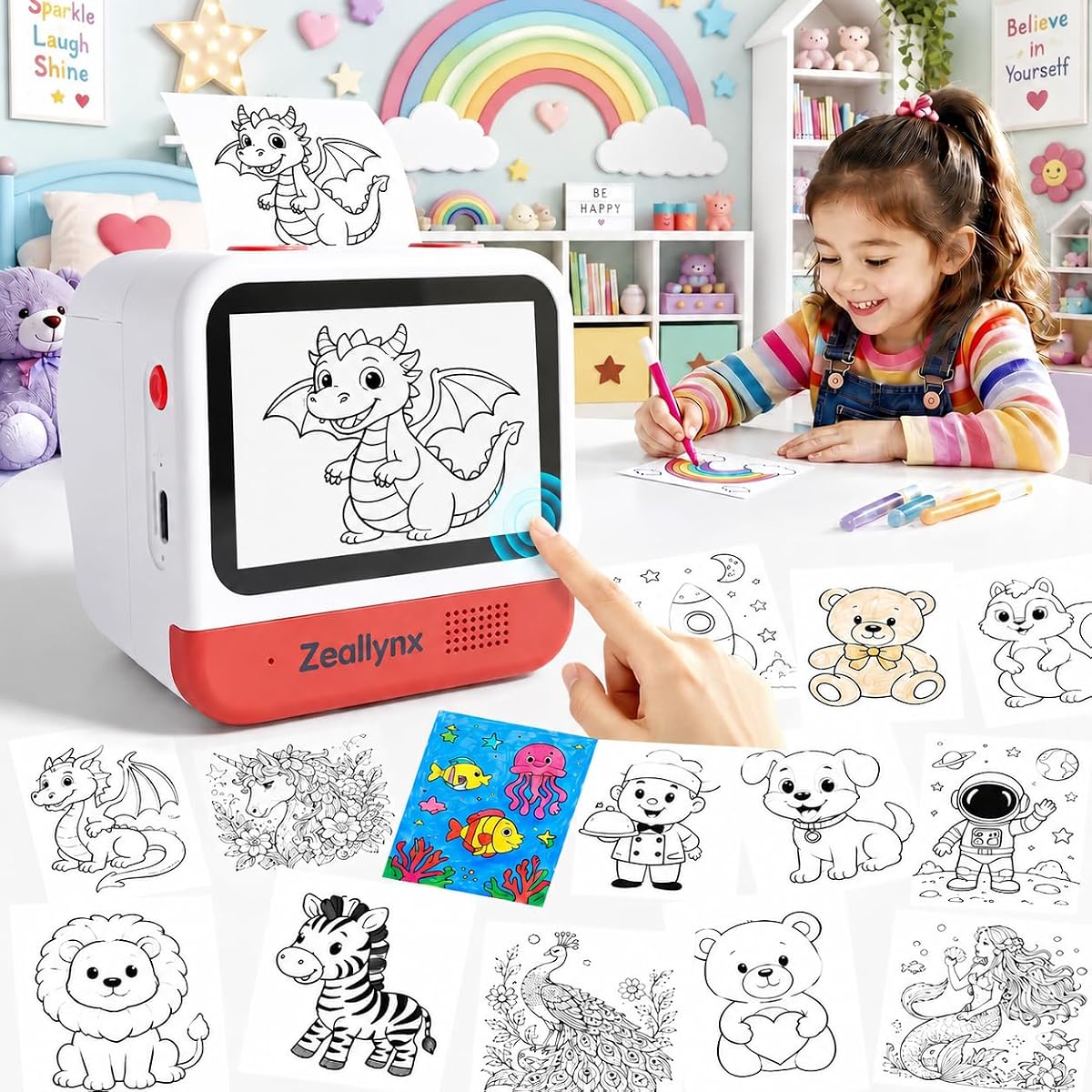

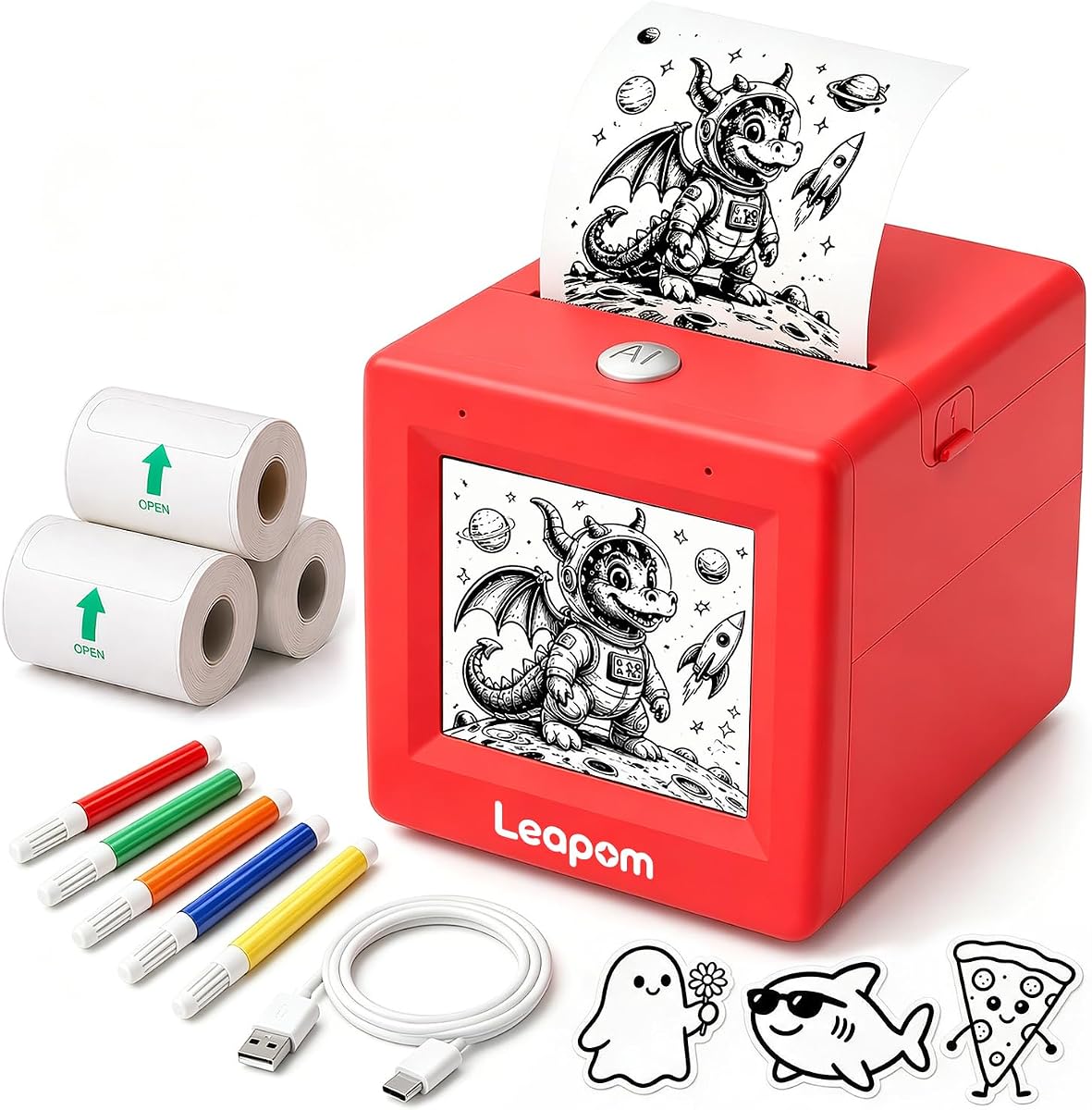


This device stands out as the top choice for families wanting a seamless sticker experience. It combines voice input with a touchscreen for intuitive control. The thermal technology ensures clean prints without any cartridges.
We may earn a commission when you buy through this link, at no additional cost to you.
The AI voice-to-image feature transforms spoken ideas into cartoon stickers instantly. Children can select styles and speak prompts to generate unique designs. The included watercolor pens allow them to add color and creativity.
While it prints only in black and white, the coloring aspect encourages artistic expression. Wi-Fi setup is straightforward and no app is needed. Content filtering ensures safety for younger users.
Parents looking for a creative gift that keeps kids engaged will love this model. It balances ease of use with educational value. This is the most reliable option for consistent sticker creation.
The system listens to prompts and generates images quickly. It filters content to ensure age-appropriate results every time.
Thermal paper requires no ink or toner. This keeps the device clean and reduces long-term maintenance costs.
We may earn a commission when you buy through this link, at no additional cost to you.
The Liene PixCut S1 offers professional quality for serious crafters. It prints in vibrant colors and cuts stickers automatically. This all-in-one device saves time on manual trimming.
We may earn a commission when you buy through this link, at no additional cost to you.
Its dye-sublimation technology produces durable and waterproof stickers. The AI extraction feature helps create clean edges from photos. You can edit and print directly from your smartphone.
While the cost is higher than basic models, the color capability justifies it. The cutting precision ensures professional-looking results. No hidden fees make it a solid long-term investment.
If you need high-quality custom labels or gifts this is the best option. It bridges the gap between hobby and professional printing. Ideal for small businesses or detailed DIY projects.
The printer uses dye-sublimation for vivid images. Colors stay vibrant and resist fading over time.
AI guides the cutter to follow image edges. This ensures every sticker has a clean and accurate outline.
We may earn a commission when you buy through this link, at no additional cost to you.
This mini printer is perfect for on-the-go creativity. It is lightweight and fits easily in bags. The voice feature makes it accessible for kids of all ages.
We may earn a commission when you buy through this link, at no additional cost to you.
It offers seven unique art styles to suit different tastes. The color preview screen helps avoid wasted paper. You can regenerate designs until you are satisfied.
The low cost makes it an excellent first device. Battery life supports several hours of continuous use. It is safe and filters content automatically.
For those on a budget this model delivers great value. It is ideal for journaling and small crafts. A practical gift that encourages imagination without breaking the bank.
Its small size makes it easy to carry anywhere. It fits in backpacks for travel or school use.
Seven styles include anime and sketch options. This variety keeps the creative process fresh and fun.
We may earn a commission when you buy through this link, at no additional cost to you.
This device features a large touchscreen for easy navigation. Kids can tap to select modes without help. The interface is designed specifically for children.
We may earn a commission when you buy through this link, at no additional cost to you.
It includes ten creative modes like comics and stories. Voice input works alongside the screen for flexibility. Wi-Fi connects quickly without complex pairing.
The absence of an app simplifies the setup process. It comes with enough paper to start immediately. It is robust and safe for daily use.
Families wanting a screen-based interaction will appreciate this model. It is more than a printer it is a creative station. Perfect for classroom settings or home arts.
The touchscreen is responsive and intuitive. It allows children to manage settings independently.
Ten modes cover a wide range of projects. You can switch from stickers to notes easily.
We may earn a commission when you buy through this link, at no additional cost to you.
This model prioritizes privacy and offline play. It has no screens to reduce distractions. Kids use voice commands to generate stickers instantly.
We may earn a commission when you buy through this link, at no additional cost to you.
It is certified safe for children with strict filters. It does not store data or require accounts. This ensures a secure experience for young users.
While it lacks a screen the focus remains on creativity. The included pencils allow coloring after printing. It is a great alternative to tablet apps.
Parents concerned about screen time will find this ideal. It encourages storytelling and imagination. A thoughtful gift for mindful creative play.
No data storage ensures privacy for kids. Parents can use it without worry of data tracking.
Without a screen kids focus on the result. This promotes hands-on interaction and color.
We may earn a commission when you buy through this link, at no additional cost to you.
This printer is tailored for journaling and planning. It is small enough to fit in planners. Voice commands make it easy to generate labels.
We may earn a commission when you buy through this link, at no additional cost to you.
It comes with markers to color designs as needed. The app is free and does not require cards. It is a safe tool for kids to use.
The simple design avoids complex settings. It is reliable for quick sticker production. Perfect for organizing school supplies.
Anyone wanting a planner tool will find this useful. It supports organization and creativity equally. A practical addition for busy students.
Ideally suited for making custom labels. You can print dates and names quickly.
Markers are included to enhance prints. This adds value to the basic kit.
We may earn a commission when you buy through this link, at no additional cost to you.
The HD screen offers clear previews of prints. You can see results before committing. Voice activation works smoothly for quick tasks.
We may earn a commission when you buy through this link, at no additional cost to you.
It includes multiple rolls of paper for variety. You can print notes or stickers as needed. The design is light and easy to hold.
Setup is simple and requires minimal steps. It supports both app and voice modes. This flexibility suits different user preferences.
For users wanting a clear visual guide this is top. It balances tech with tactile creativity. A strong choice for interactive crafting.
The screen shows images with high clarity. You can check designs before printing.
Includes adhesive and regular paper rolls. This allows for diverse project types.
We may earn a commission when you buy through this link, at no additional cost to you.
This mini printer is excellent for study notes. It scans text and prints it quickly. The design is small enough for pockets.
We may earn a commission when you buy through this link, at no additional cost to you.
It uses Bluetooth to connect to phones easily. You can print diagrams and schedules instantly. It is cheap and effective for school use.
Voice features are not included but text is supported. The app has many templates for projects. It is versatile for different needs.
Students needing a study aid should consider this. It helps organize information efficiently. A practical tool for academic success.
You can scan notes to print directly. This saves time on manual typing.
The app provides many study templates. You can find designs for any subject.
We may earn a commission when you buy through this link, at no additional cost to you.
This model supports both Wi-Fi and Bluetooth. It offers flexibility for different connection needs. Voice commands work well for quick prints.
We may earn a commission when you buy through this link, at no additional cost to you.
It has six styles to choose from. You can switch easily to change looks. Safety features protect kids from bad content.
The setup process is straightforward for parents. It includes enough supplies to start right away. It is a balanced option for families.
Those needing multiple connection types will like this. It is reliable for daily creative tasks. A solid choice for consistent use.
Both Wi-Fi and Bluetooth are supported. This ensures you can connect anywhere.
Content filtering is built into the device. It keeps outputs safe for children.
We may earn a commission when you buy through this link, at no additional cost to you.
This printer works without a phone app. It has a large touchscreen for direct control. Kids can use it on their own.
We may earn a commission when you buy through this link, at no additional cost to you.
The voice chat suggests ideas and answers questions. It is educational as well as creative. Setup connects to Wi-Fi easily.
It ensures privacy by not needing a phone. The interface is designed for independence. It is a unique option for solo play.
For kids wanting independence this is perfect. It builds confidence in using tech. A great gift for self-directed learners.
You do not need a phone to print. Everything runs directly on the device.
The voice companion helps generate ideas. It makes the experience more interactive.
We may earn a commission when you buy through this link, at no additional cost to you.
Choosing the right sticker printer depends on your specific needs and budget. This guide covers key factors to help you decide.
Thermal printers use heat to create images on paper. They do not require ink which makes them clean and low cost. Color printers use dye-sublimation for better quality but are pricier.
Look for thermal options for budget needs and dye-sub for quality.
Some models use voice commands while others rely on touch. Voice is great for kids who cannot draw. Touchscreens offer more control over the design process.
Choose based on how the user likes to interact.
Devices may use Wi-Fi or Bluetooth to connect. Wi-Fi allows direct connection without a phone. Bluetooth requires a smartphone app which may add steps.
Consider if you want phone-dependent or independent printing.
Some printers need an app to function. Apps can offer more templates but require accounts. Models without apps are simpler to set up.
Opt for no-app models for simplicity and privacy.
Most use thermal paper rolls. Check how many are included and the cost of refills. Adhesive paper is needed for stickers while plain paper is for notes.
Ensure the paper type matches your intended use.
Portable models are small and battery-powered. They are great for travel or school use. Larger units may offer more features but are less mobile.
Select a compact size if you plan to move it.
Look for content filtering and data protection. Kid-safe models ensure no bad content appears. Check if data is stored on the device.
Prioritize safety features for younger users.
Some models offer waterproof or scratch-resistant stickers. Check the build quality and warranty. Better materials ensure longer lifespan of your device.
Choose durable options if you use it frequently.
Set up the device by connecting to Wi-Fi or installing the app. Ensure the paper roll is loaded correctly. Test a simple print to verify settings.
Use voice commands to generate ideas. Speak clearly and choose a style. The printer will output the design which you can then color.
Store the device in a cool dry place. Replace paper rolls when empty. Keep the printer clean by wiping the surface regularly.
Most models use thermal technology which does not require ink or toner. They rely on heat to print on special paper. This saves money and keeps the device clean.
Yes, most devices have built-in content filters. They block inappropriate content and do not store data. Look for kid-safe certifications for extra peace of mind.
Most budget models print in black and white. High-end models like the Liene PixCut offer color dye-sublimation. Choose based on your color needs.
Some models work without a phone using Wi-Fi or touch. Others require Bluetooth connection to an app. Check the specs to ensure you have the right setup.
Use thermal paper rolls designed for the printer. Adhesive rolls work for stickers while plain rolls are for notes. Check compatibility with your specific model.
Battery life varies by model but typically lasts 3 hours. Rechargeable USB-C options are common. Keep a charger handy for continuous use.
Many models allow photo printing via an app. Select photo mode and upload your image. The printer will create a sticker version of your photo.
Most printers do not charge monthly fees. Apps are typically free with optional premium features. Check for any hidden costs before buying.
The AI Sticker Maker for Kids leads as the top overall choice for balance. The Liene PixCut S1 offers premium color for advanced users. The AI Voice Sticker Printer is perfect for budget buyers.
Consider your need for color and connectivity before deciding. Safety features are vital if children are the main users. Ensure the device fits your space and budget.
Prices and stock change often so check current listings. We hope this guide helps you find the ideal tool. Start creating unique stickers today with confidence.