
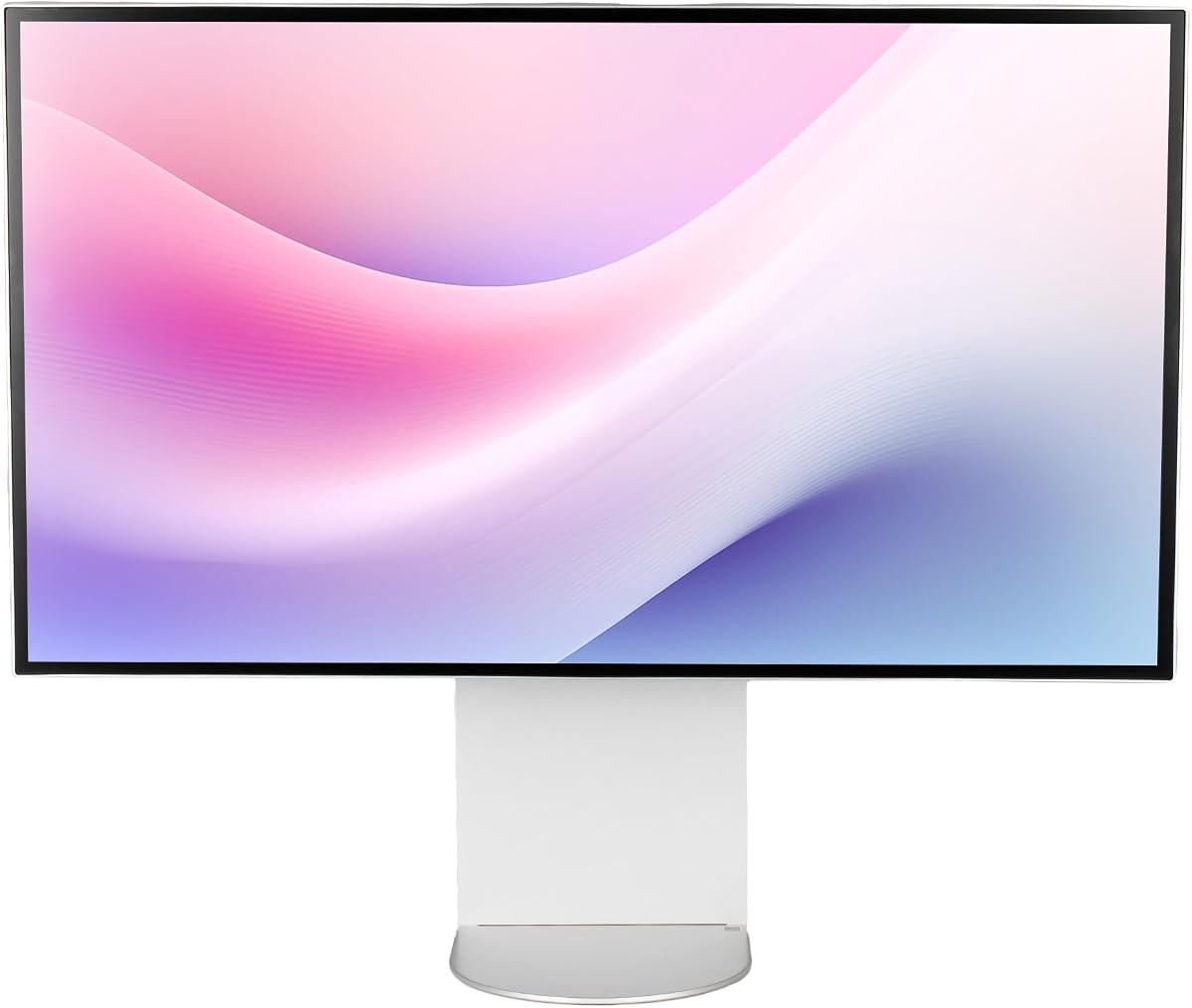
ASUS ProArt PA32QCV
3.9Editor score
Factory calibrated accuracy
Dual Thunderbolt 4
MacBook color preset
Discover the top 32 inch 6K monitors for professionals and gamers. This guide compares resolution, color accuracy, connectivity, and performance features.
Finding the right display for your workspace is crucial for productivity and creative work. A 32 inch 6K monitor offers incredible clarity and screen real estate that standard displays cannot match for demanding tasks.
We compared ten leading models based on resolution, color accuracy, connectivity options, and build quality. Our analysis focuses on real-world performance for creatives, developers, and power users seeking ultimate visual fidelity.
Each pick highlights unique strengths tailored to specific workflows like video editing or gaming. Remember that product availability and pricing can change, so check current listings before making your final purchasing decision today.
3.9Editor score

3.8Editor score

3.7Editor score
This side-by-side comparison details the key specifications and unique features of every model we reviewed to help you find the perfect match for your needs.


The LG 32U990A-S stands out as the premier choice for professionals needing absolute visual fidelity. With a rating reflecting its high-end status, it delivers unmatched clarity through its innovative Nano IPS Black technology and Thunderbolt 5 support.
We may earn a commission when you buy through this link, at no additional cost to you.
This monitor packs over 21 million pixels into a 32-inch panel resulting in 224 PPI. It supports 99.5% Adobe RGB and 98% DCI-P3 coverage ensuring your content looks accurate from screen to print. Thunderbolt 5 offers transfer speeds twice as fast as Thunderbolt 4.
While the price is high, the performance justifies the investment for serious creators. The contrast ratio reaches 2000:1 providing deeper blacks than standard IPS panels. It also features TUV Rheinland Eye Comfort certification for long work sessions.
Buy this if you need the best resolution and color fidelity available now. It bridges the gap between creative demands and future connectivity standards making it a long-term workstation solution.
The 224 PPI density ensures text and images appear razor sharp without aliasing artifacts.
This next-gen port supports 96W charging and 80Gbps data speeds over a single cable.
We may earn a commission when you buy through this link, at no additional cost to you.
The ASUS ProArt PA32QCV offers a compelling entry point into 6K territory for those on a tighter budget. It comes factory calibrated with a Delta E less than 2 ensuring reliable color right out of the box.
We may earn a commission when you buy through this link, at no additional cost to you.
It features a dedicated MacBook Color Matching preset which simplifies workflow for Apple users. Dual Thunderbolt 4 ports support daisy chaining and up to 96W power delivery. The built-in Auto KVM switch allows effortless laptop switching.
Trade-offs include slightly lower brightness compared to premium models and no high refresh rate mode. However, the 5-year warranty provides peace of mind. It is ideal for graphic design and photo editing rather than gaming.
Choose this monitor if you want professional color accuracy without the premium price tag. It is a robust workhorse for creative professionals who prioritize calibration and connectivity over speed.
The specific color preset ensures your Mac screen colors match the monitor exactly.
Auto KVM lets you use one keyboard and mouse across two connected computers.
We may earn a commission when you buy through this link, at no additional cost to you.
Samsung introduces the industry's first 6K gaming monitor with the Odyssey G8. It balances stunning visuals with speed allowing 6K at 165Hz or switching to 3K for 330Hz response times for competitive play.
We may earn a commission when you buy through this link, at no additional cost to you.
The Fast IPS panel ensures quick response times to reduce motion blur. It supports NVIDIA G-SYNC and AMD FreeSync Premium for smooth gameplay. HDR10+ Gaming optimizes brightness dynamically for immersive scenes.
While it has higher power usage, the visual experience is unmatched for hybrid users. The design includes ergonomic adjustments for comfort. This is perfect for creators who also enjoy high-fidelity gaming.
Buy this if you need a gaming-capable display that does not compromise on resolution. It is a unique solution for those who want both professional work capabilities and elite gaming performance.
Switch instantly between high res work mode and high speed gaming mode.
HDR10+ Gaming optimizes contrast scene by scene for true depth.
We may earn a commission when you buy through this link, at no additional cost to you.
The Dell UltraSharp U3224KB focuses on office productivity with a built-in webcam for seamless collaboration. It offers a bright 450 Nit display ensuring clarity even in well-lit meeting rooms or offices.
We may earn a commission when you buy through this link, at no additional cost to you.
USB-C connectivity makes it a true hub for your laptop. The 5ms response time handles basic motion well though it is not for gaming. Dell reliability shines through in its sturdy construction.
It lacks advanced HDR capabilities but excels in standard SDR work. The privacy features are useful for remote work. This model suits business users who need a clutter-free desk.
Choose this if you want a complete office solution with integrated tools. It is designed for efficiency and reliability in professional environments rather than creative or gaming use.
The built-in webcam and hub reduce the need for extra peripherals.
450 Nits of brightness ensures content is visible in bright lighting.
We may earn a commission when you buy through this link, at no additional cost to you.
This bundle version of the LG UltraFine evo adds value by including essential accessories like cable ties and a cleaning kit. It maintains the same high performance as the base model with excellent color accuracy.
We may earn a commission when you buy through this link, at no additional cost to you.
The inclusion of tools for maintenance makes it convenient for new buyers. Users report high satisfaction with the sharp text and deep blacks. It offers great workflow efficiency for professionals.
It shares specs with the standalone model but adds convenience. The cleaning kit ensures longevity of the screen. This is best for those who want a ready-to-use solution.
Buy this if you want the top features with extra care tools included. It removes the hassle of buying separate accessories and ensures your investment stays pristine.
Cable ties and cleaning kit help keep your workspace organized and screen clean.
Users praise the bundle for its completeness and reliability.
We may earn a commission when you buy through this link, at no additional cost to you.
The G32X Minimalist features a clean aluminum body and strong eye care features. It delivers deep blacks and vibrant colors suitable for immersive gaming or professional editing.
We may earn a commission when you buy through this link, at no additional cost to you.
With 100W charging on a single port it can power most laptops. The anti-glare screen reduces reflections. The stand offers height and pivot adjustments for comfort.
While the brand is newer it has perfect user ratings. The universal mount compatibility offers flexibility. It is ideal for modern workspaces focused on aesthetics.
Choose this if you value design and ergonomics alongside performance. It offers a premium look without compromising on essential specs for daily tasks.
100W power delivery means you can charge your laptop while working.
Flicker-free and low blue light modes reduce strain over long hours.
We may earn a commission when you buy through this link, at no additional cost to you.
The G32P Honeycomb features a glossy finish for deeper blacks and richer colors. Its unique honeycomb cooling ensures the panel stays cool during long usage sessions.
We may earn a commission when you buy through this link, at no additional cost to you.
Since it comes without a stand it offers flexibility for users with custom monitor arms. The 223 PPI density ensures sharp details. It suits users who prefer custom setups.
The glossy screen may reflect light in bright rooms. However it offers superior vibrancy for media consumption. It is perfect for dark rooms or controlled lighting.
Buy this if you want vibrant visuals and a unique cooling system. It is a great choice for custom desk setups where you already have mounting hardware.
Glossy panels make colors pop and blacks look deeper for better contrast.
Honeycomb design helps dissipate heat to maintain performance.
We may earn a commission when you buy through this link, at no additional cost to you.
This Dell bundle includes a 2 Year Premium Extended Service Protection Pack for added peace of mind. It comes with multiple cables ensuring you can connect devices immediately.
We may earn a commission when you buy through this link, at no additional cost to you.
The display matches the standard model with bright visuals and clear text. The warranty covers accidental damage and extended service. This is valuable for business fleets.
While it costs more upfront the coverage is beneficial. It suits companies needing long-term reliability. The included cables simplify setup.
Choose this if you need reliable warranty support for your hardware. It is an ideal choice for businesses needing durable and protected equipment.
The 2 year protection plan covers accidental damage and hardware failures.
All necessary cables are included for immediate use.
We may earn a commission when you buy through this link, at no additional cost to you.
ALOGIC offers the world's first 6K touchscreen with a dedicated stylus for digital art. It provides a unique digital drafting board experience with 4096 levels of pressure sensitivity.
We may earn a commission when you buy through this link, at no additional cost to you.
The Fold Stand allows the screen to be flat for drawing. Color accuracy is excellent with Delta E under 1. It bridges the gap between monitor and tablet seamlessly.
The price is high but the functionality is unmatched. It is perfect for architects and designers. Touch works well on macOS and Windows.
Buy this if you need direct touch input for creation. It is a powerful tool for those who want to sketch and annotate directly.
The stylus allows for natural sketching and painting on a large canvas.
The 360 base allows easy switching between upright and flat modes.
We may earn a commission when you buy through this link, at no additional cost to you.
The LG Ultrafine AEU is a standard edition of the 6K series offering core features at a standard price. It maintains the high resolution and color standards of the brand.
We may earn a commission when you buy through this link, at no additional cost to you.
It includes height and pivot adjustments for ergonomics. The energy class G rating indicates efficiency. It is a straightforward option for pure viewing needs.
It lacks advanced features like Thunderbolt 5 found in newer models. It is best for users who do not need the latest connectivity. It is a solid choice for basic professional work.
Choose this if you want a proven LG display at a lower cost. It is suitable for office use where basic specs are sufficient.
Delivers high resolution without extra features.
Adjustments for height and tilt ensure comfortable viewing angles.
We may earn a commission when you buy through this link, at no additional cost to you.
Selecting the right 32 inch 6K monitor involves balancing resolution, color accuracy, connectivity, and budget.
6K resolution provides over 21 million pixels on a 32-inch panel resulting in extremely sharp text and detailed visuals. High pixel density like 224 PPI ensures that images look crisp without visible pixels.
For creative work, look for monitors covering 98% DCI-P3 or 99% Adobe RGB. Factory calibration with Delta E less than 2 ensures that the colors you see are accurate.
Thunderbolt 5 is the future standard offering 80Gbps speeds but Thunderbolt 4 is still robust. Ensure the monitor supports high-speed data transfer and power delivery for your laptop.
IPS panels provide wide viewing angles and consistent color. For gaming, consider a refresh rate above 120Hz to ensure smooth motion and quick response times.
HDR600 certification ensures that highlights are bright and shadows are deep. This is critical for video editing and content where contrast matters.
Ensure the stand supports height, tilt, pivot, and swivel adjustments. This physical flexibility is essential for maintaining a healthy posture during long work sessions.
If you plan to use multiple monitors, check for daisy chain support. This allows you to connect screens with one cable reducing desk clutter.
Look for warranties covering at least three years. Brands offering extended protection plans provide better security for expensive investment hardware.
To get the best performance, ensure your graphics card supports 6K output. Use high-speed HDMI 2.1 or Thunderbolt cables to maintain full resolution and refresh rates.
Clean the screen using a microfiber cloth and approved cleaning solution. Avoid spraying liquid directly on the panel to prevent damage to the internal components.
Calibrate your monitor annually to maintain color accuracy. Use built-in software or a hardware calibrator to adjust brightness and color temperature as the panel ages.
Most modern GPUs from AMD or NVIDIA support 6K but check the manufacturer site. High-end cards are needed for gaming at this resolution while workstations can handle it with professional models.
Yes if you need more screen real estate for code or design. The extra pixels reduce the need to zoom in and allow multiple windows side by side comfortably.
Yes especially models with high refresh rates like 165Hz. Ensure your GPU can push high frame rates at 6K to avoid lag.
Most professional models offer up to 96W charging. This allows you to power your laptop with one cable reducing cable clutter on your desk.
A 32 inch monitor is roughly 28 inches wide. Ensure your desk is at least 60 inches wide to accommodate it comfortably.
It offers double the bandwidth of Thunderbolt 4 which is critical for transferring large 6K video files quickly. It also supports faster charging speeds.
Yes if the monitor supports DisplayPort 1.4 with MST or Thunderbolt. This allows multiple screens on a single cable connection.
Absolutely. The large screen allows for multiple applications open simultaneously. It is ideal for writers and developers who need vertical space.
We reviewed ten top models offering resolution and features for 2026. The LG 32U990A-S leads with Thunderbolt 5 and Nano IPS Black technology for creatives.
Consider your primary task whether it is gaming or office work to choose the right specs. High refresh rates matter for gamers while color accuracy matters for designers.
Check current availability and pricing before buying to ensure you get the best deal. These monitors are a significant investment for professional workflows and high-end tasks.